Module 3 Formstorming

Weekly Activity Template

Bianca Vinta


Project 3


Module 3

Tutorial 1 experimentation using the Makey Makey and P5.

Activity 1
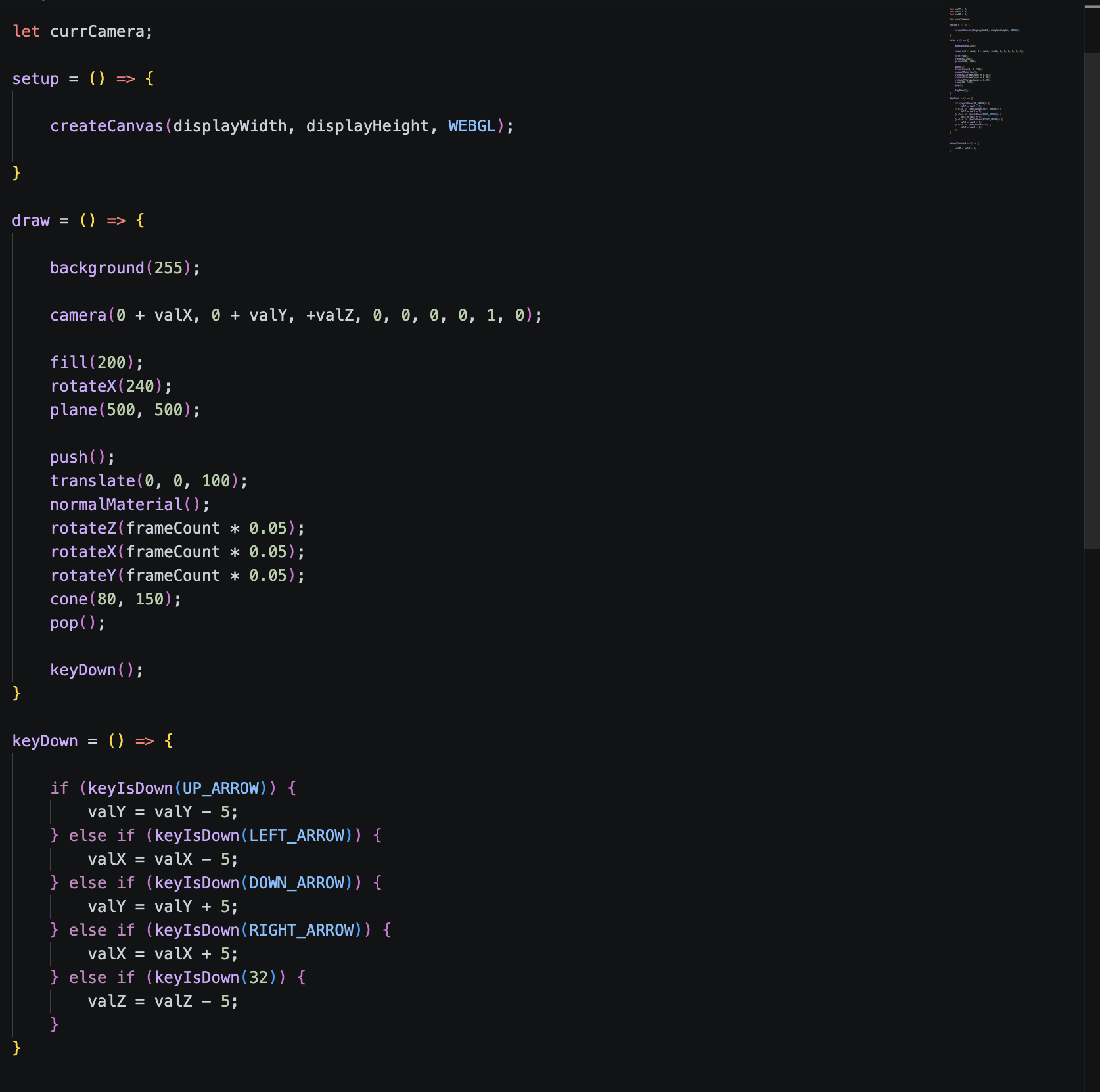
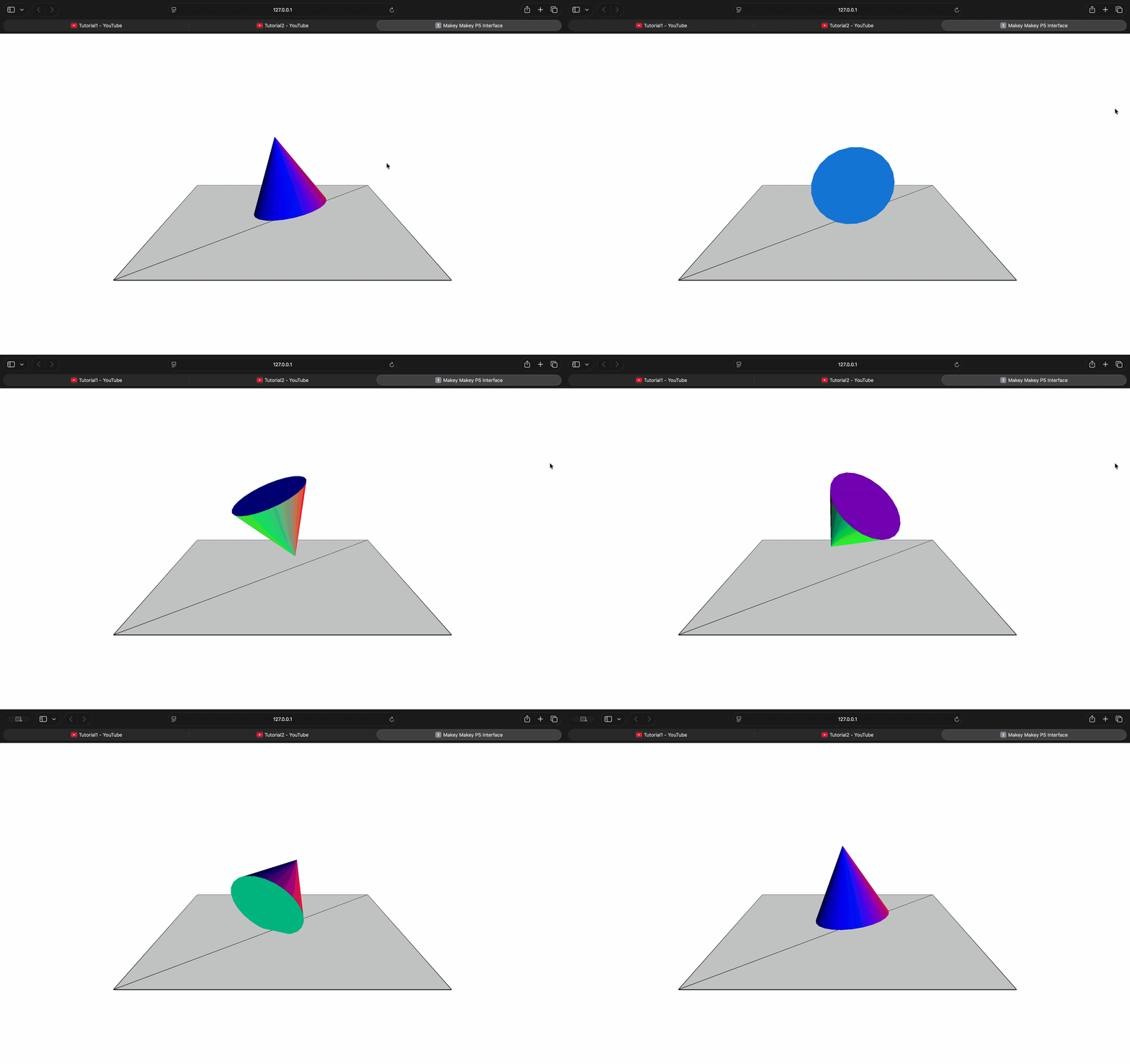
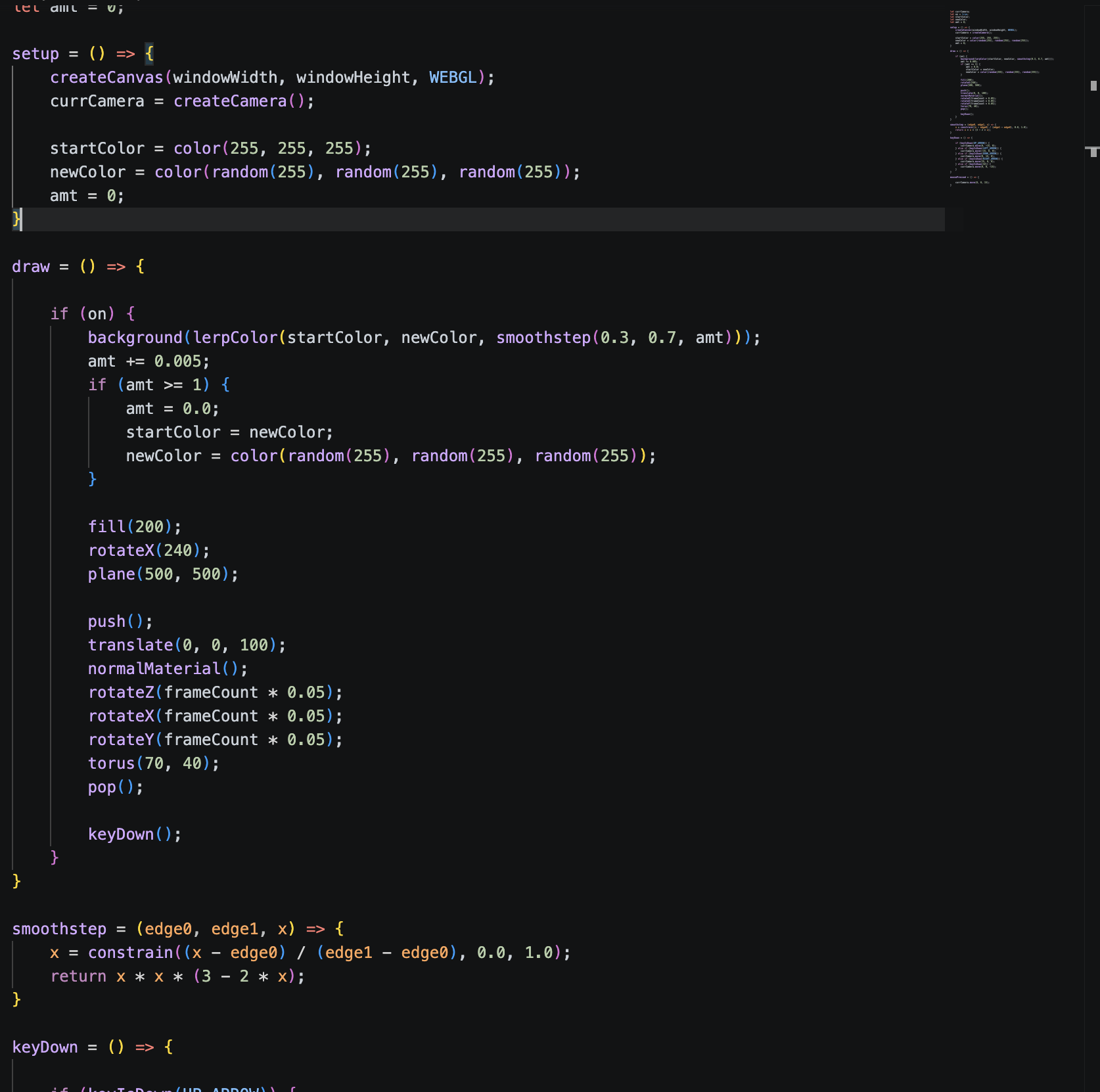
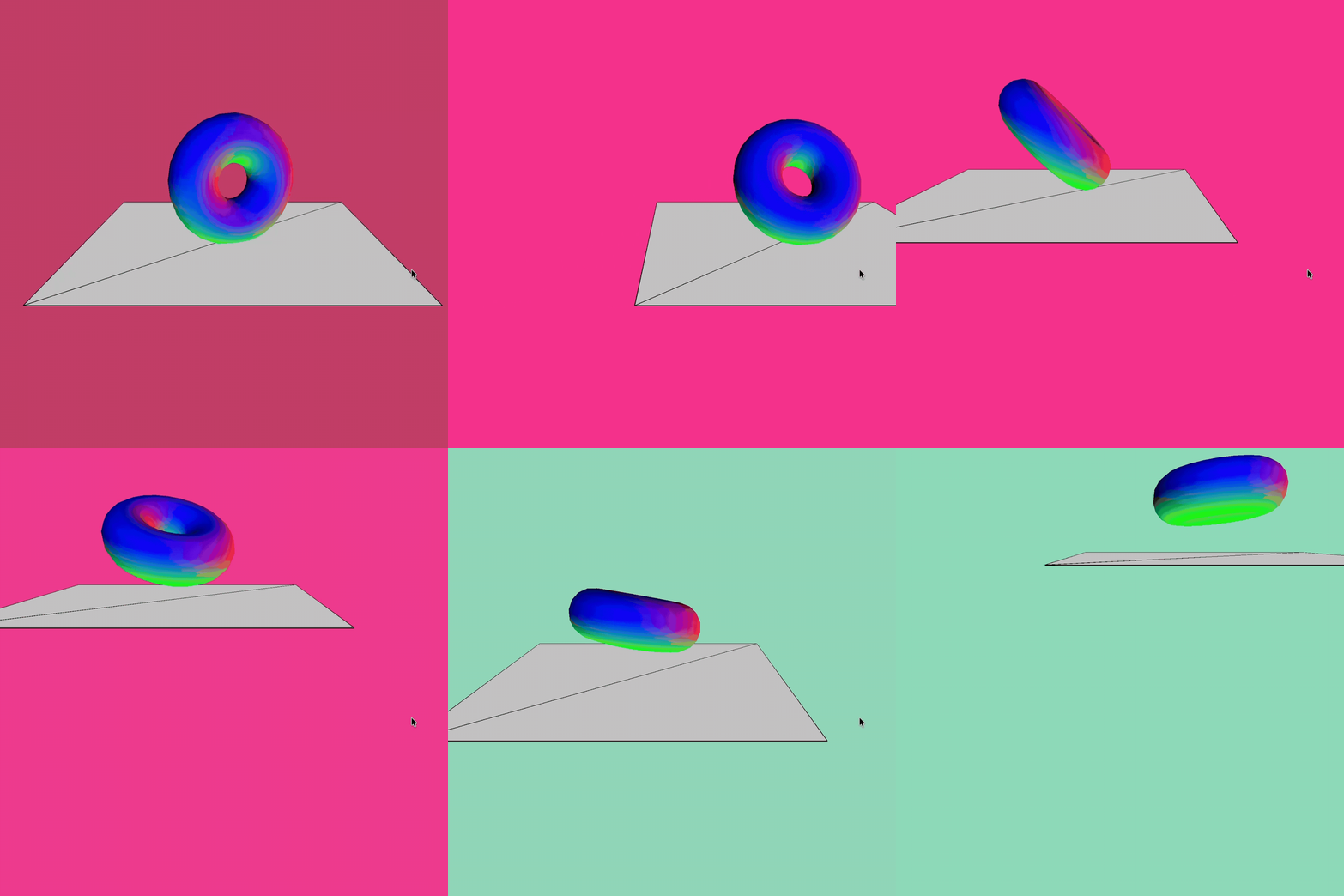
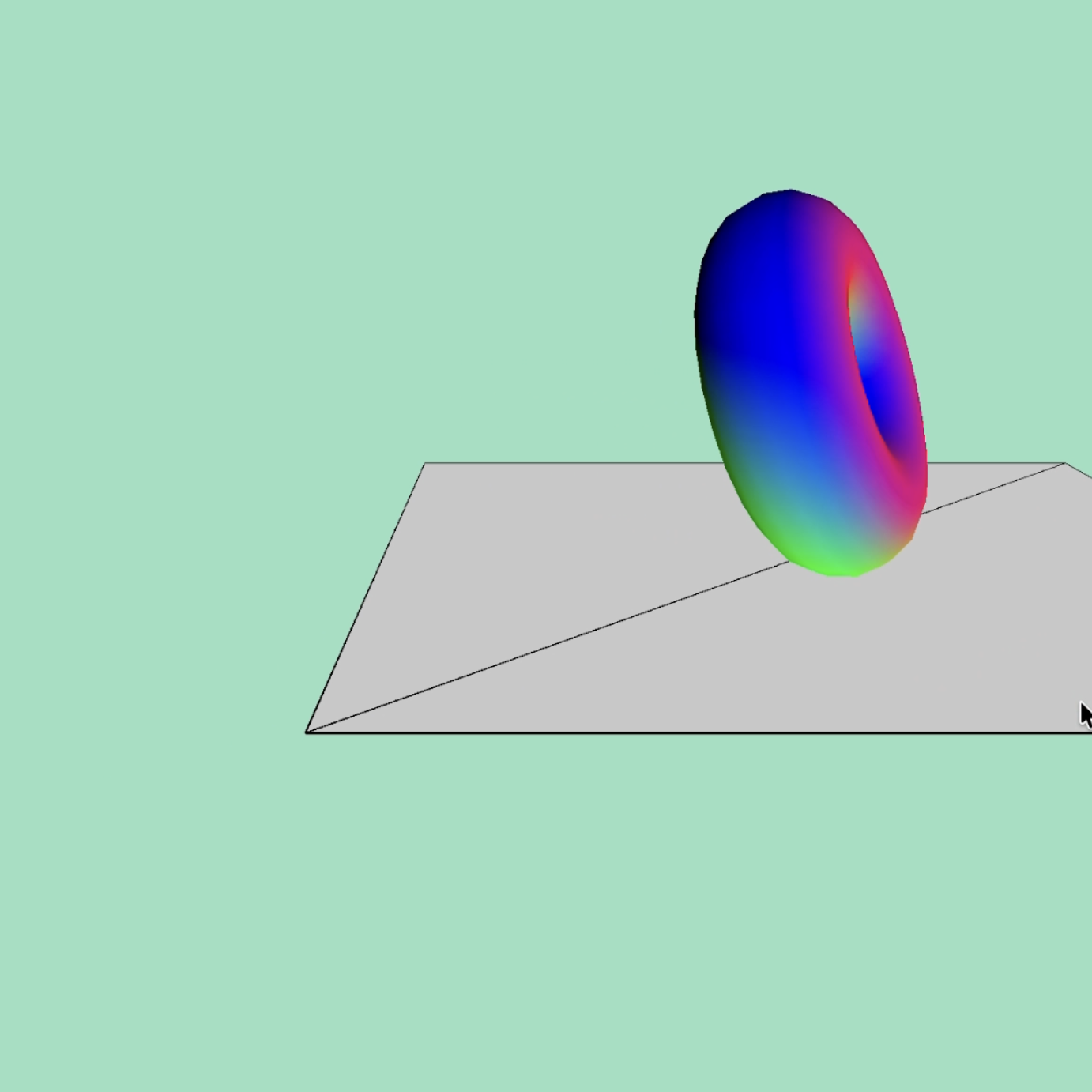
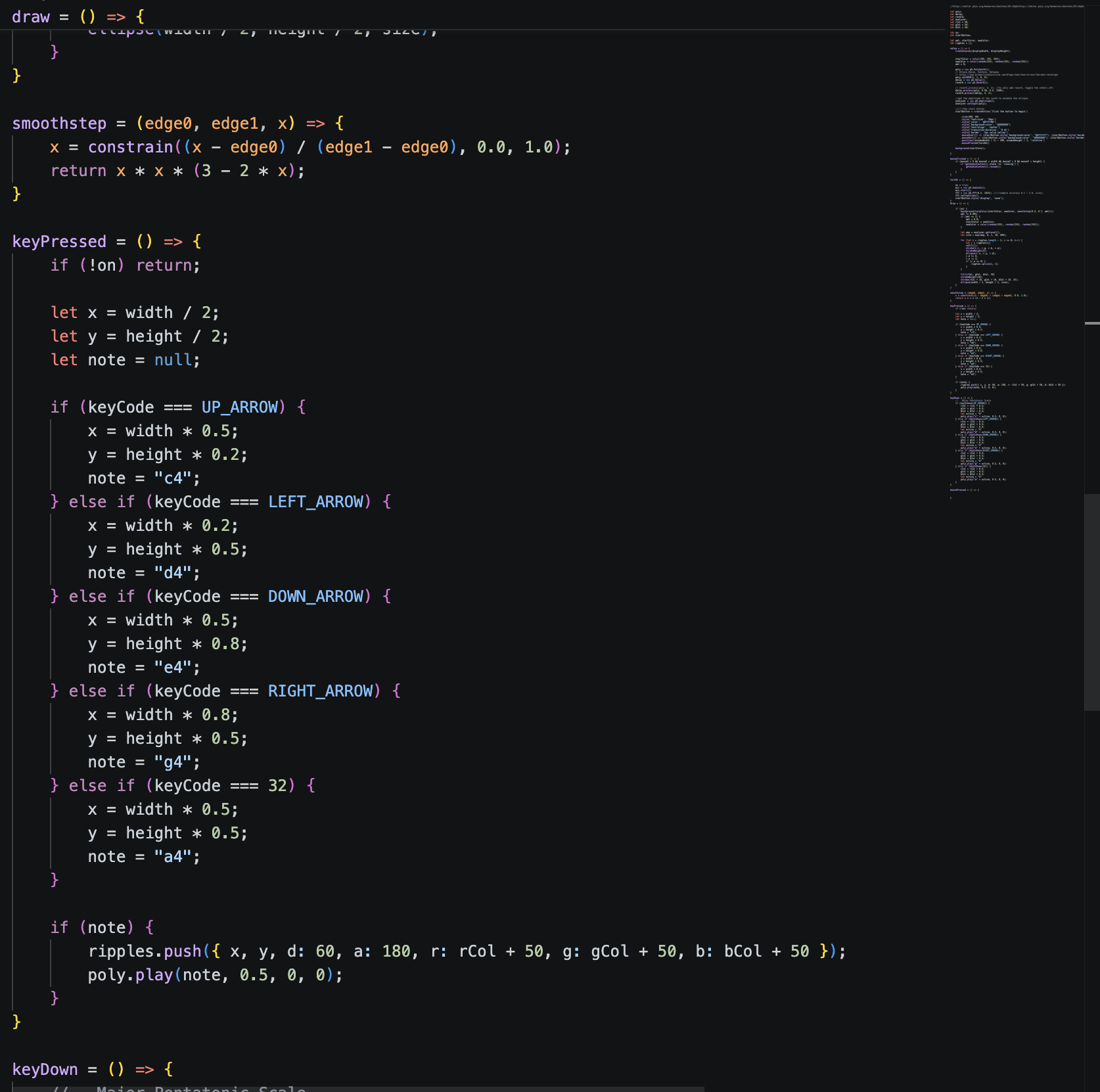
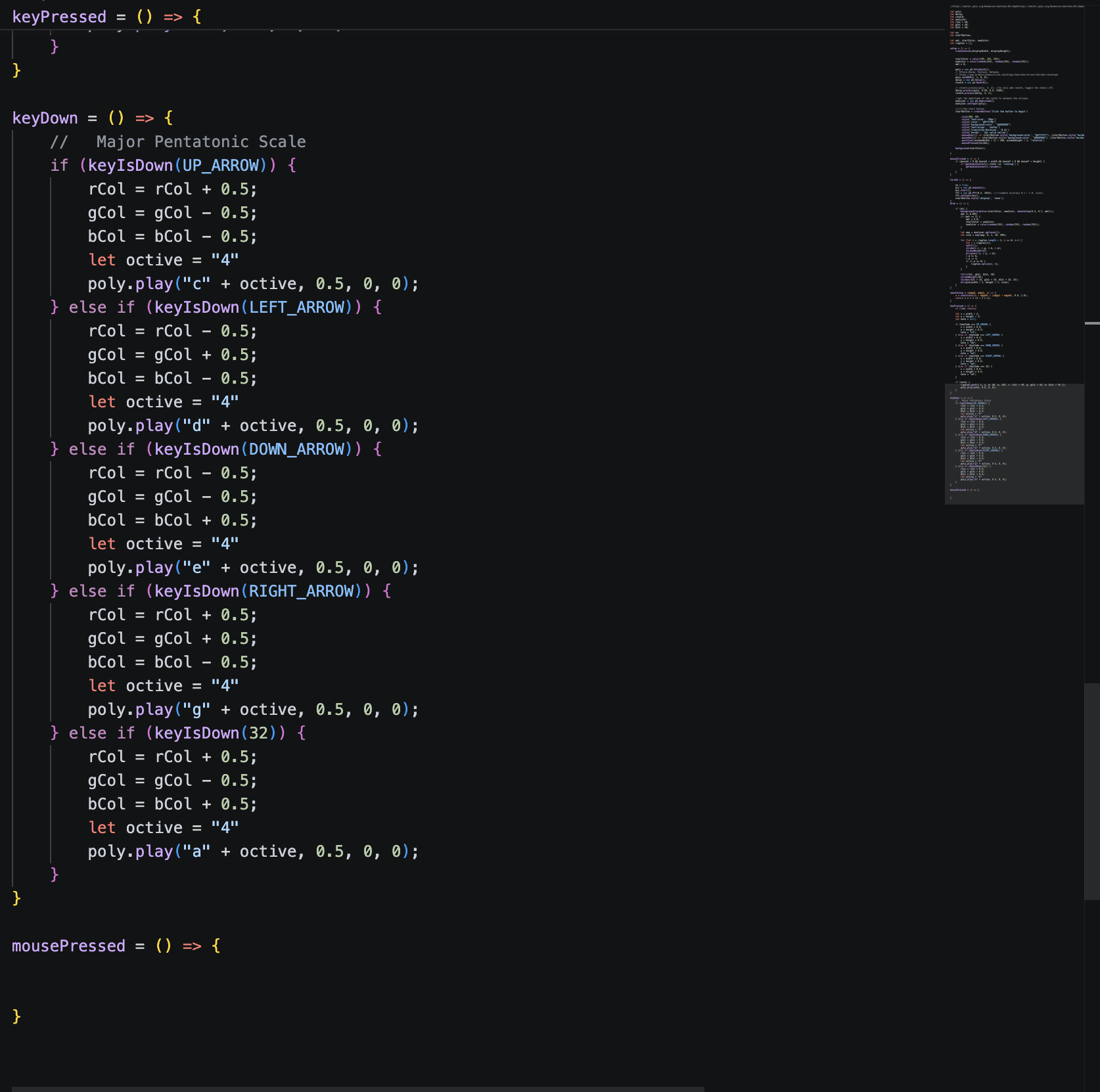
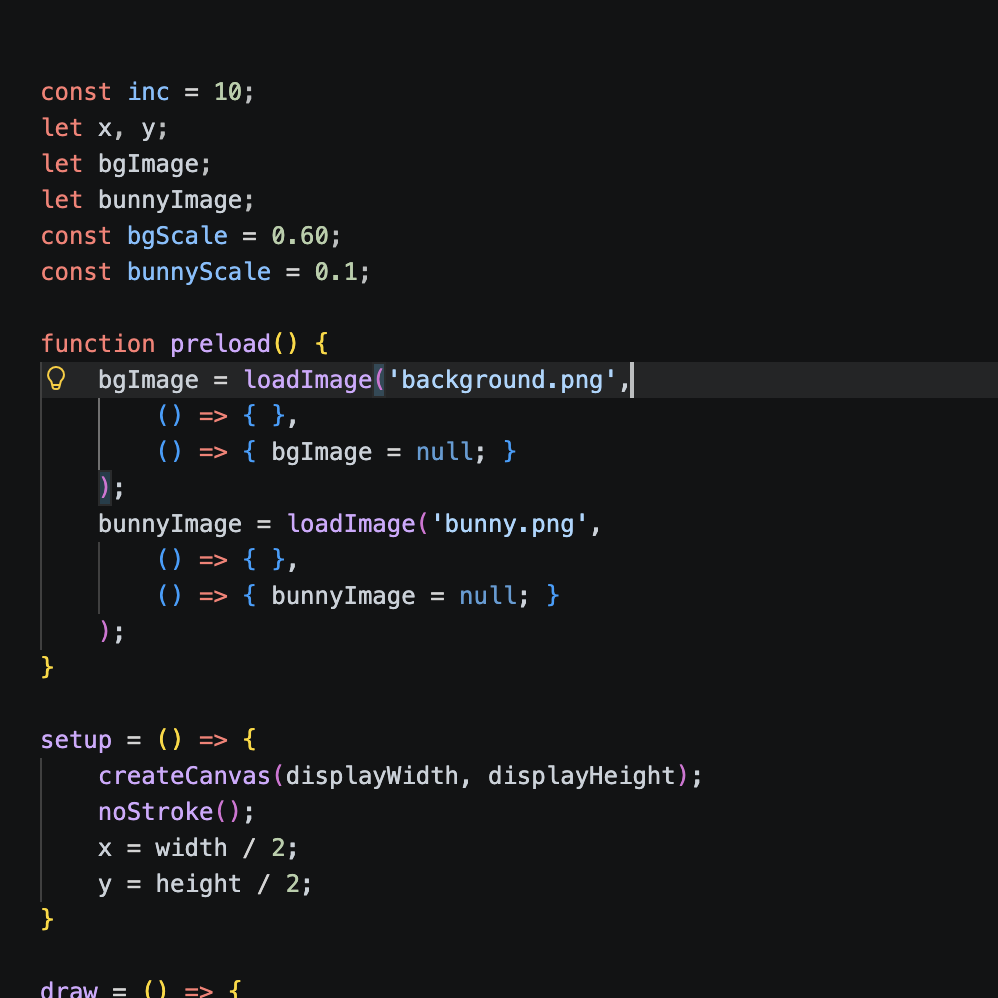
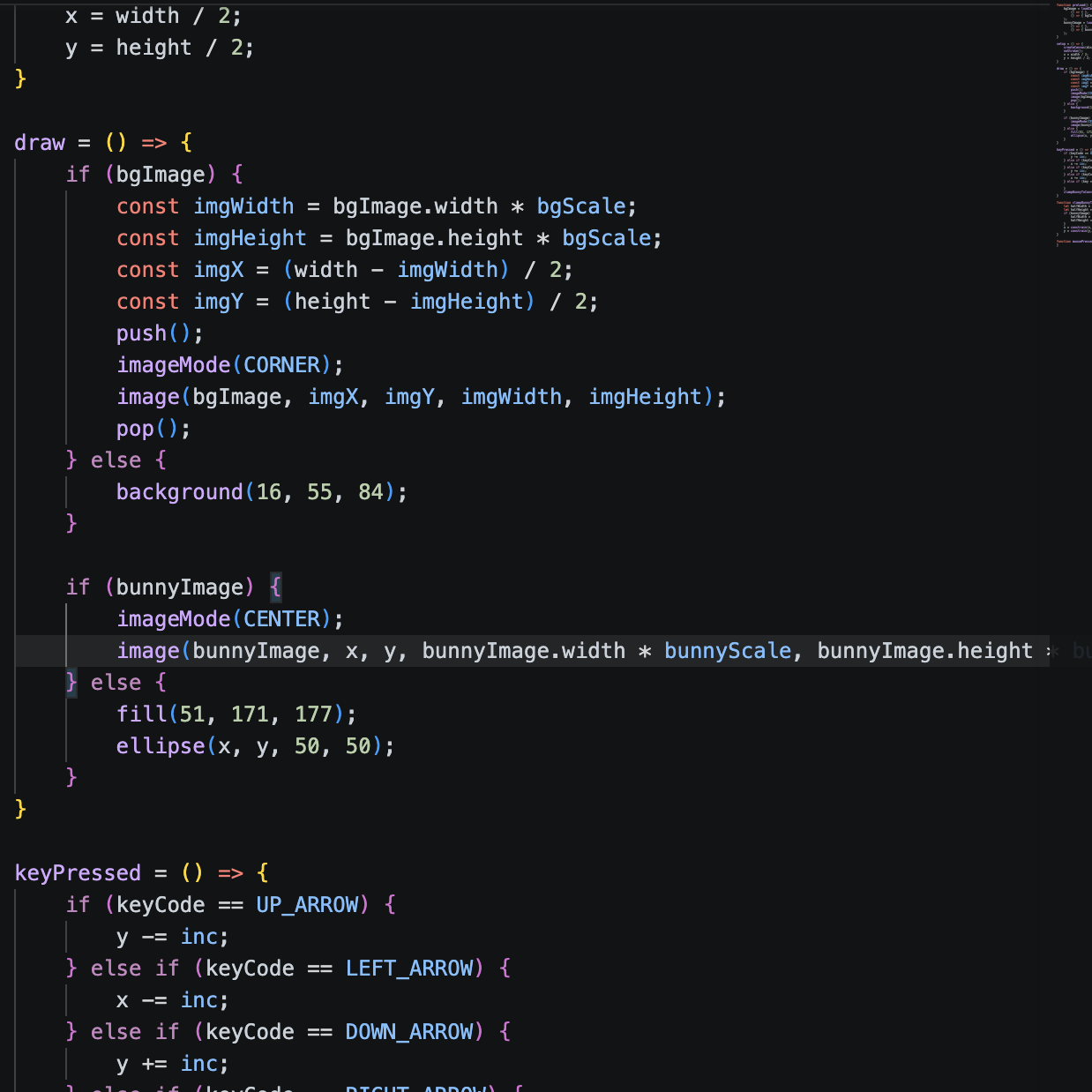
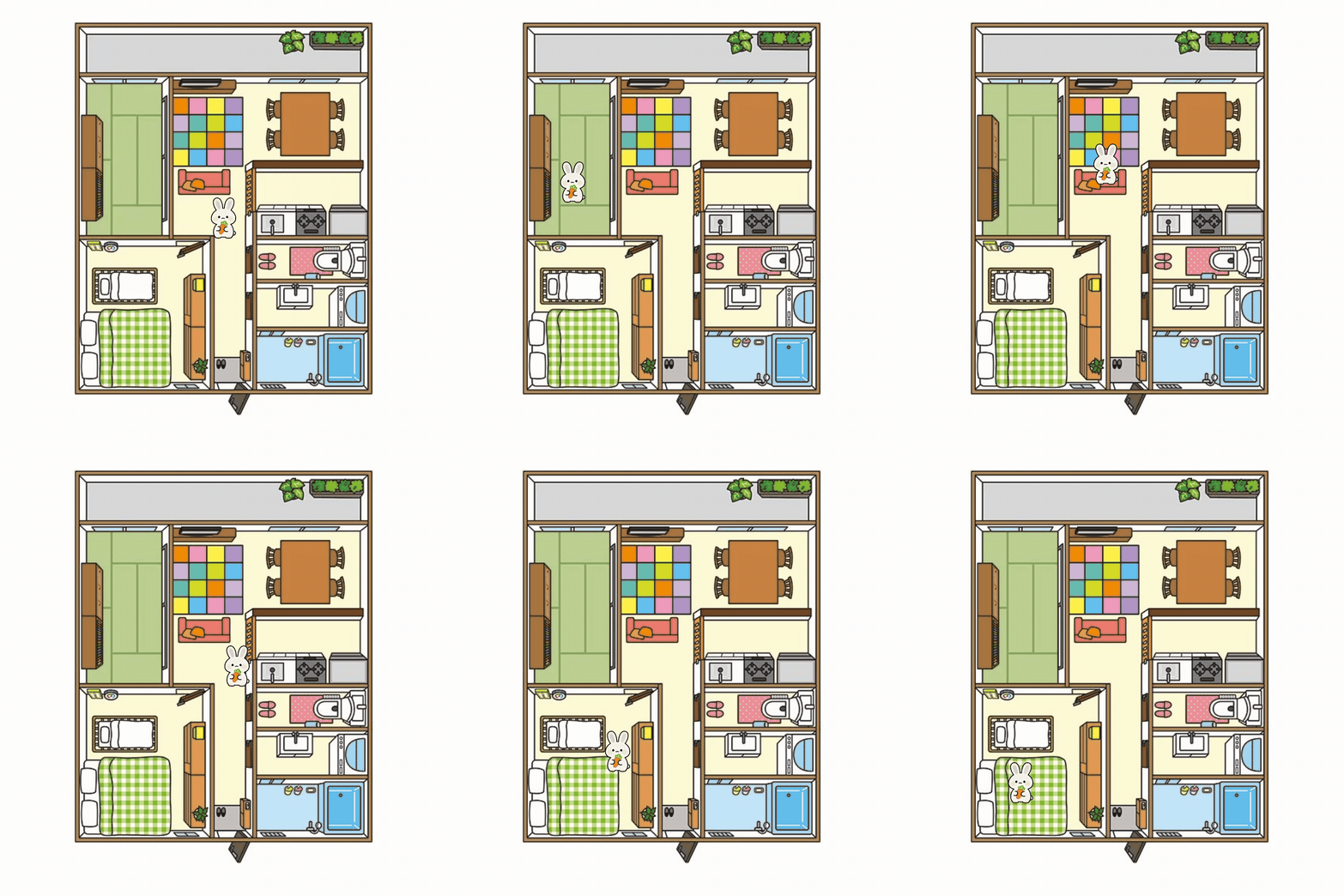
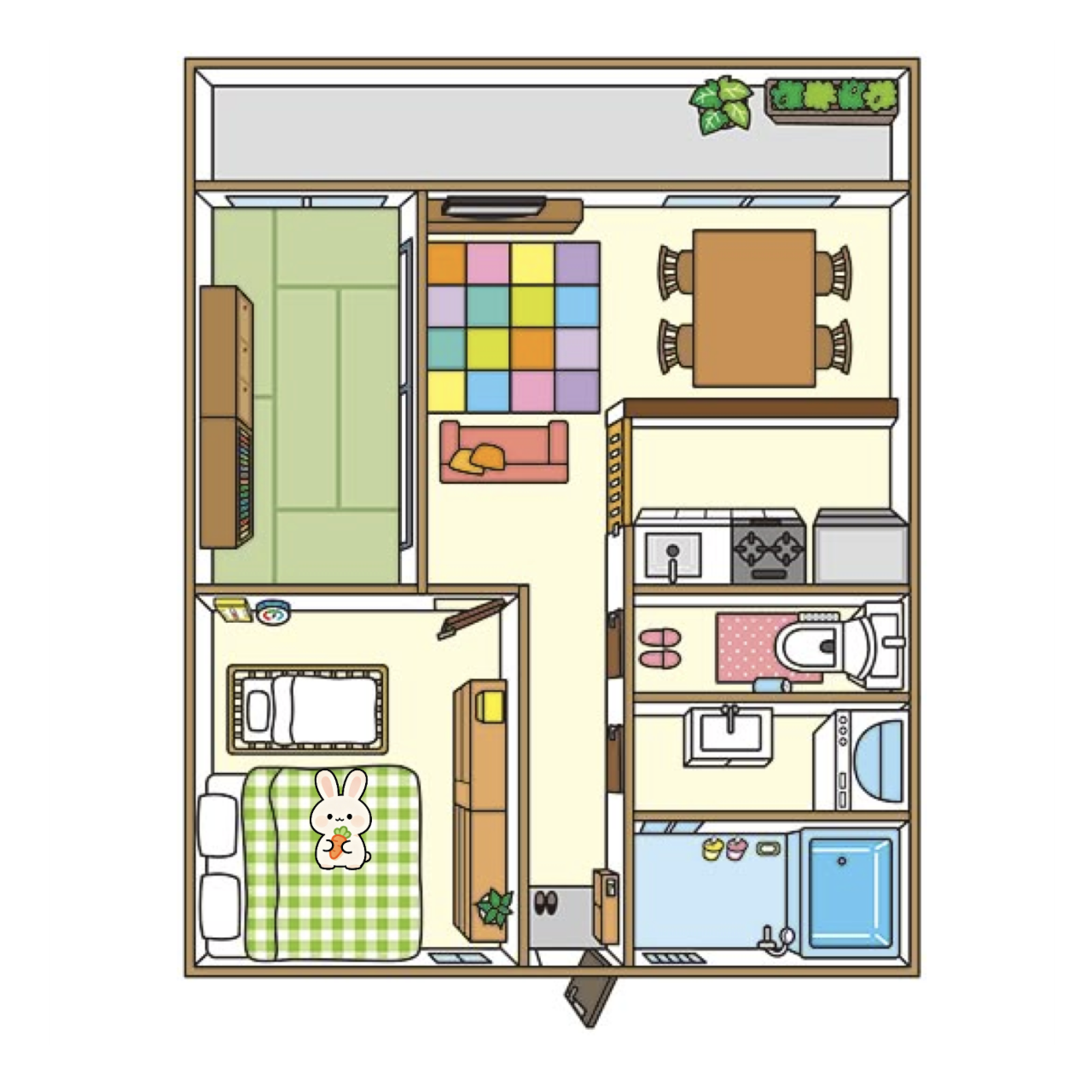
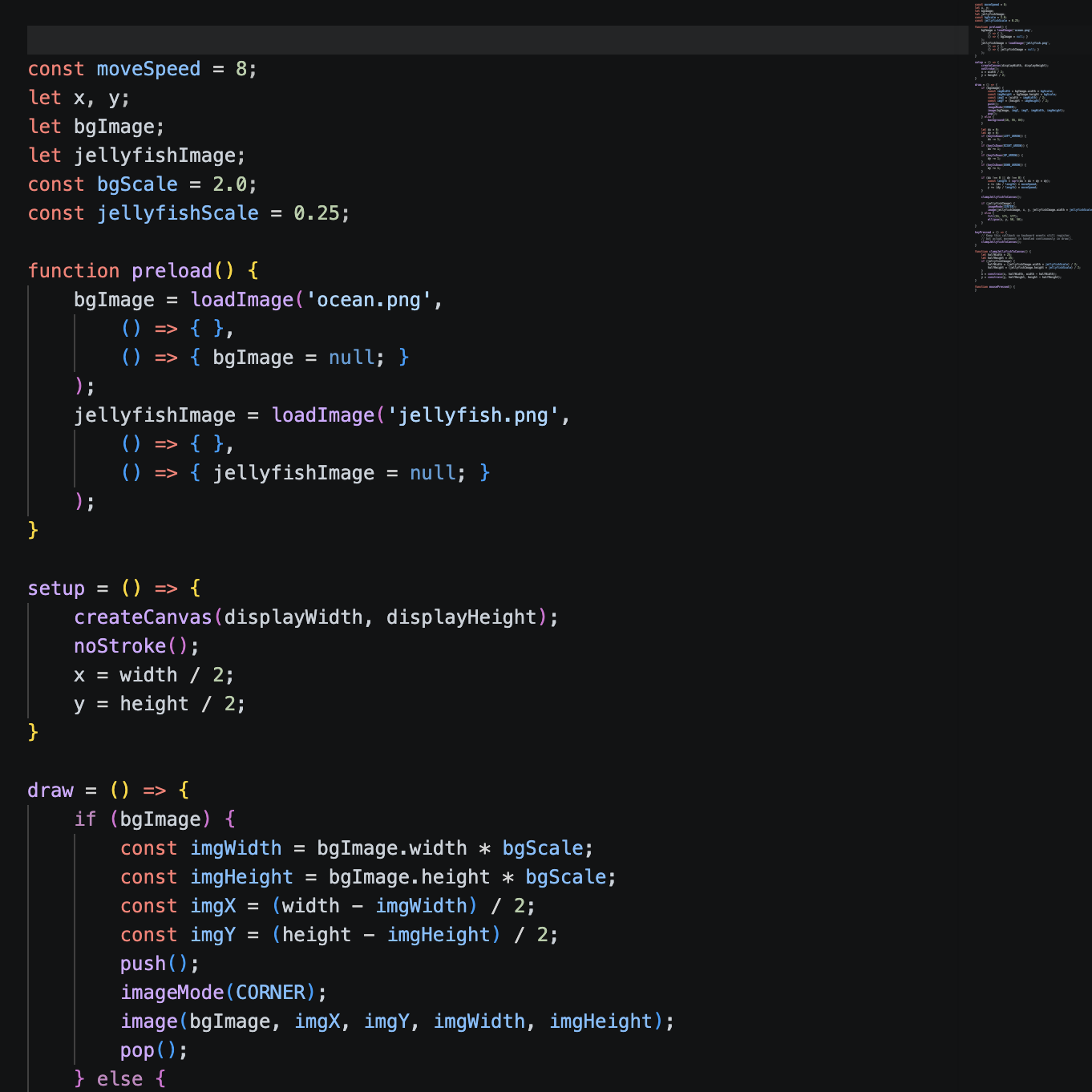
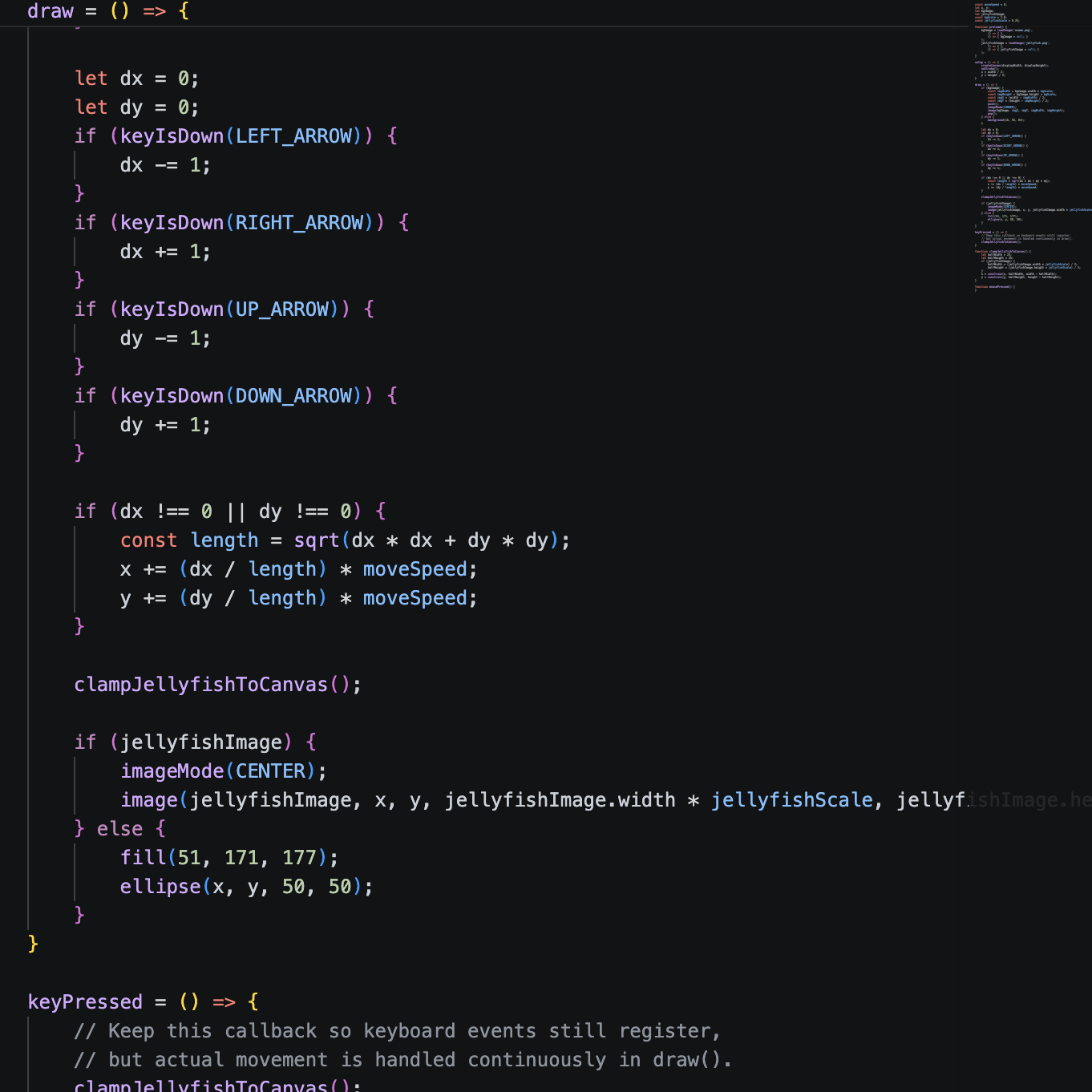
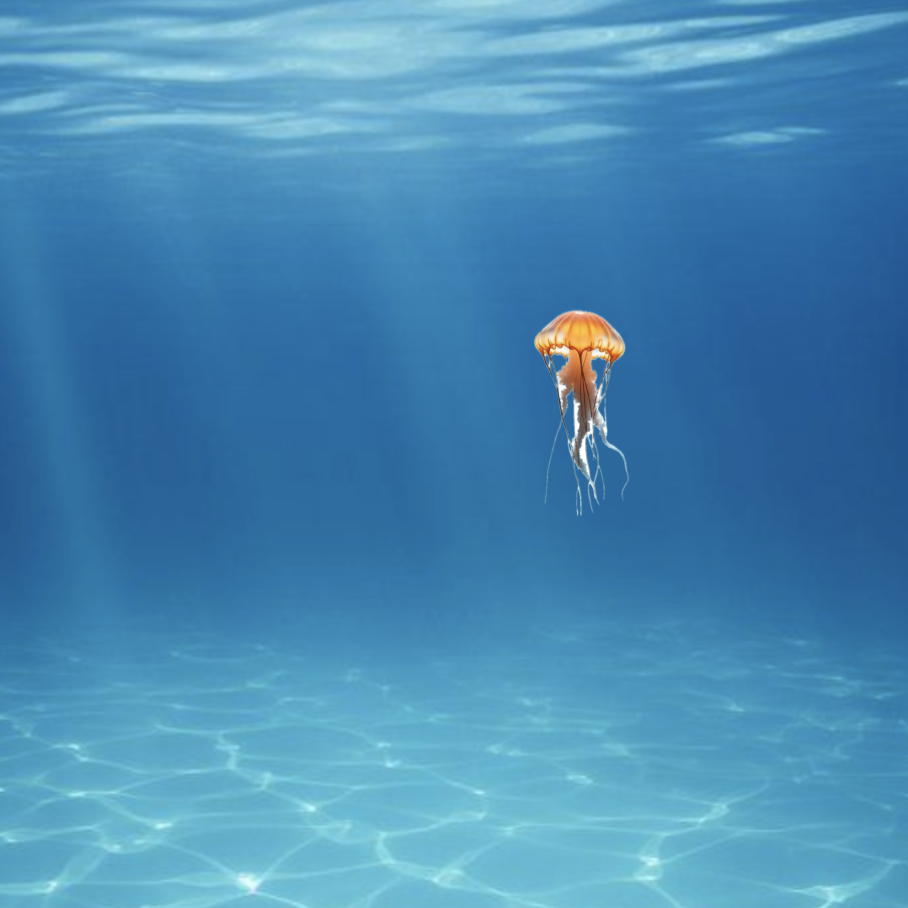
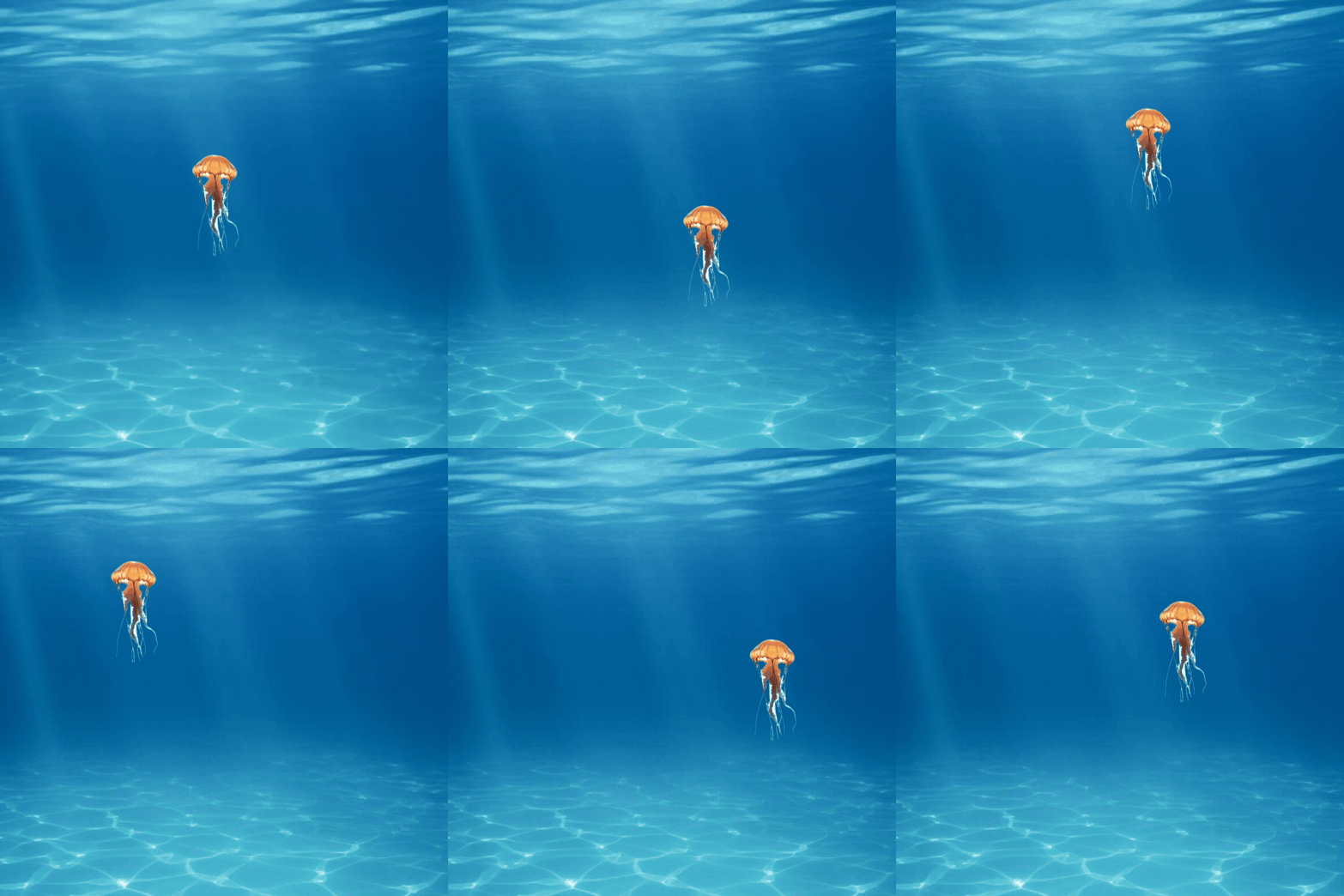
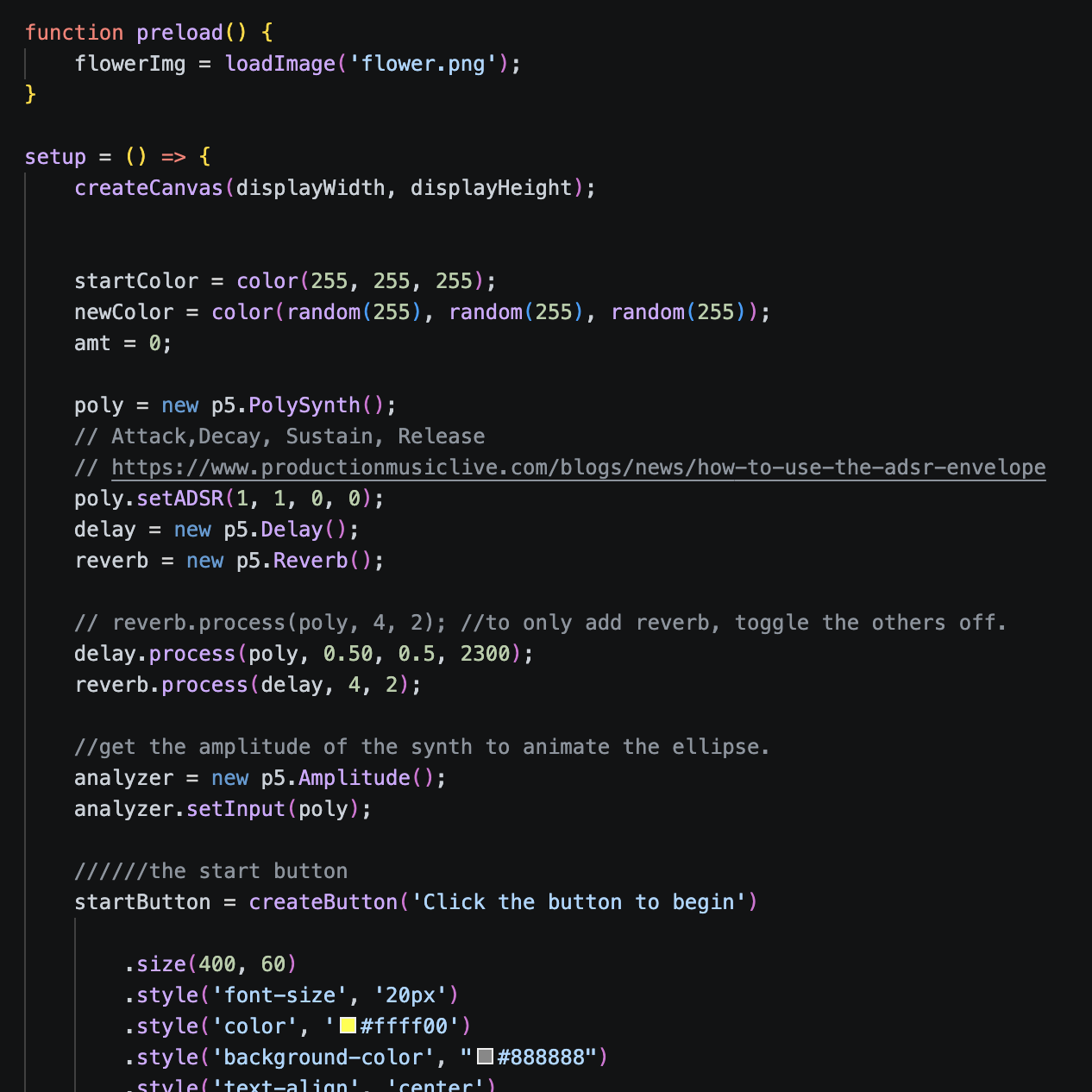
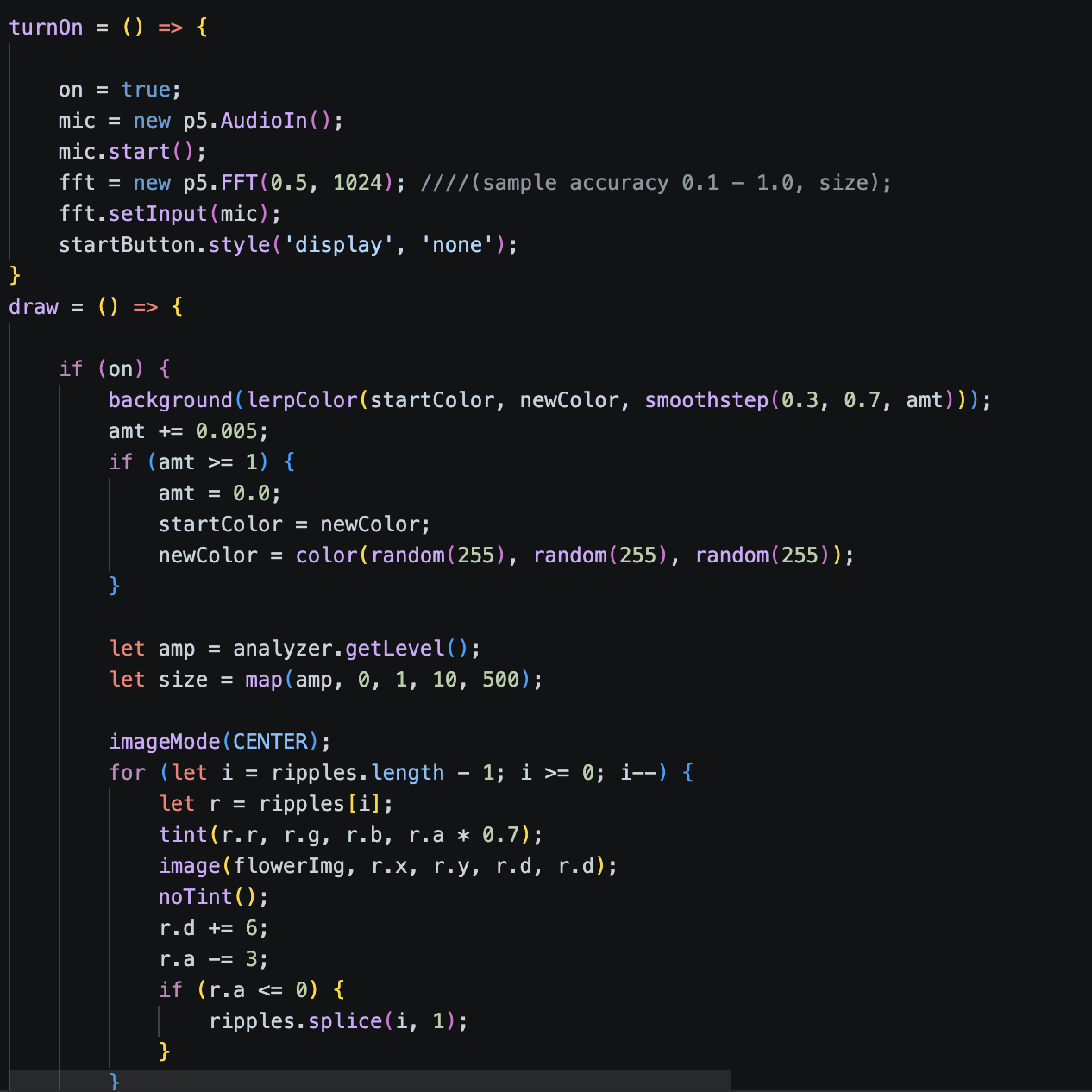
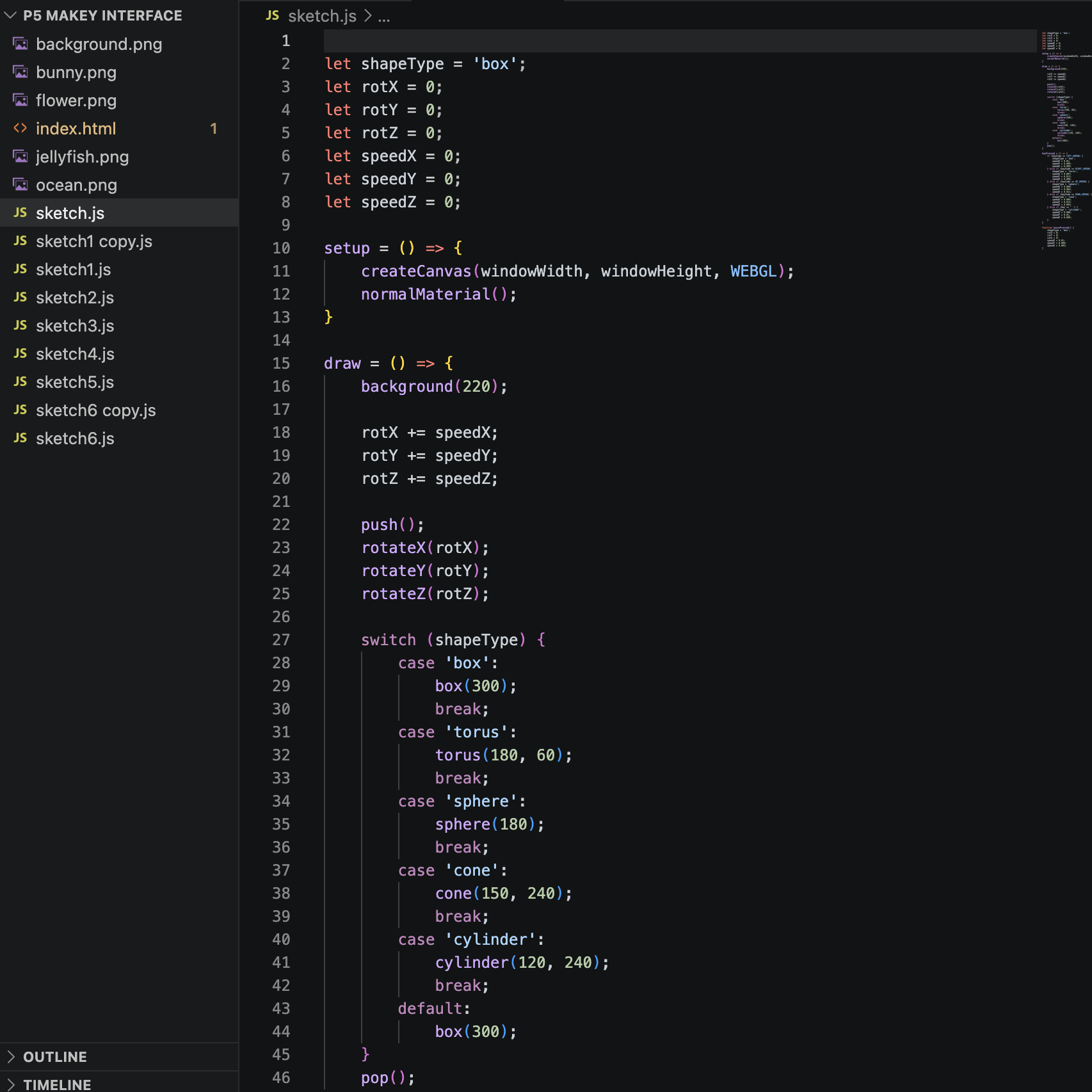
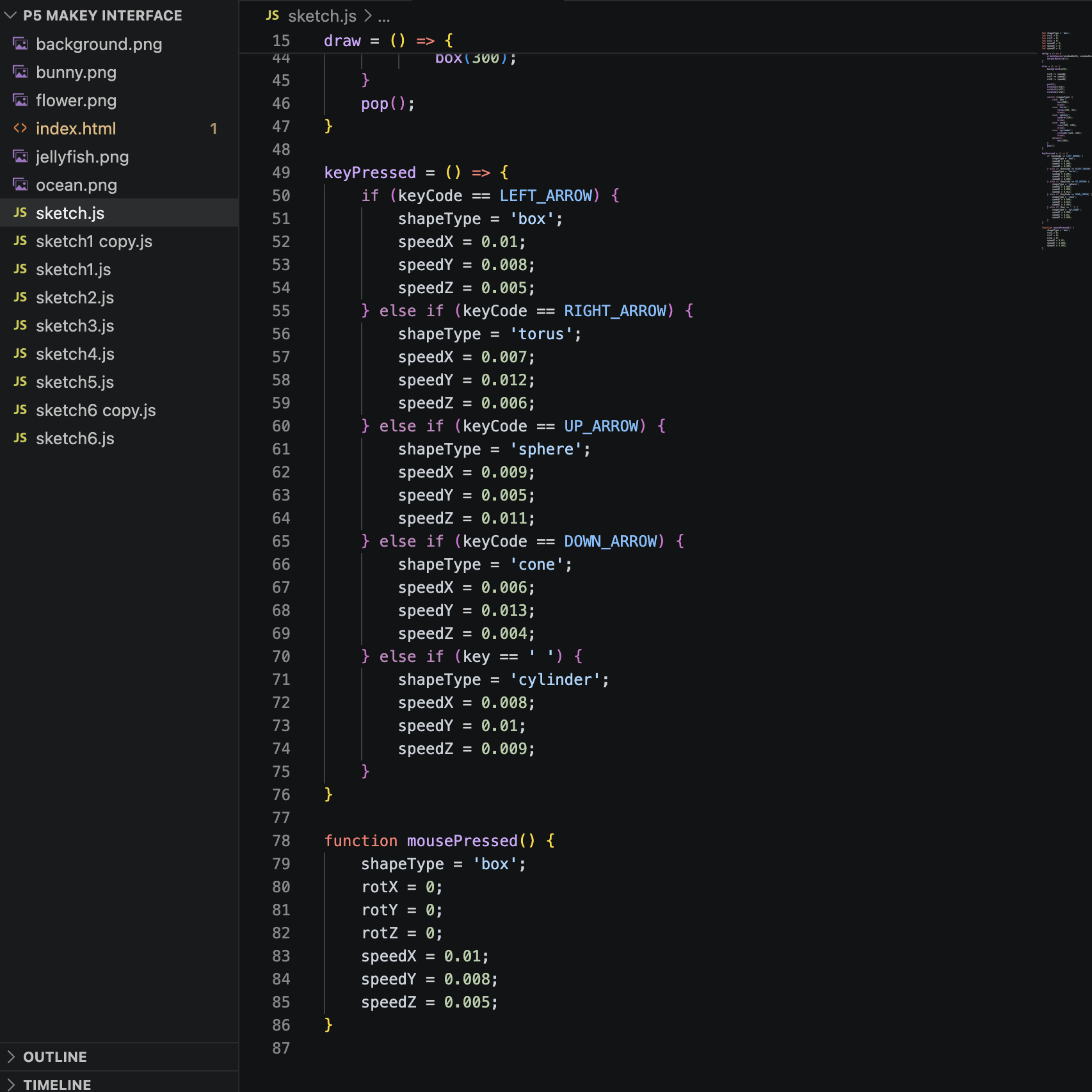
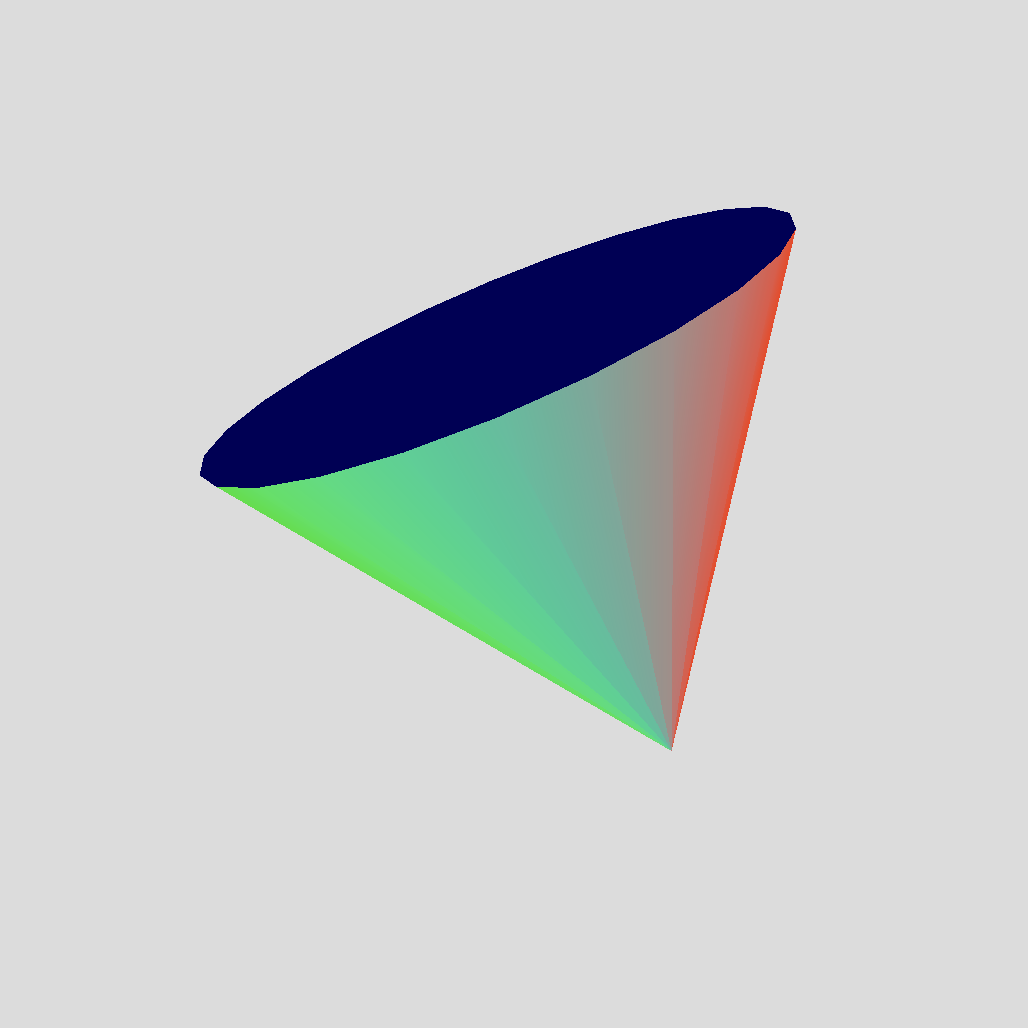
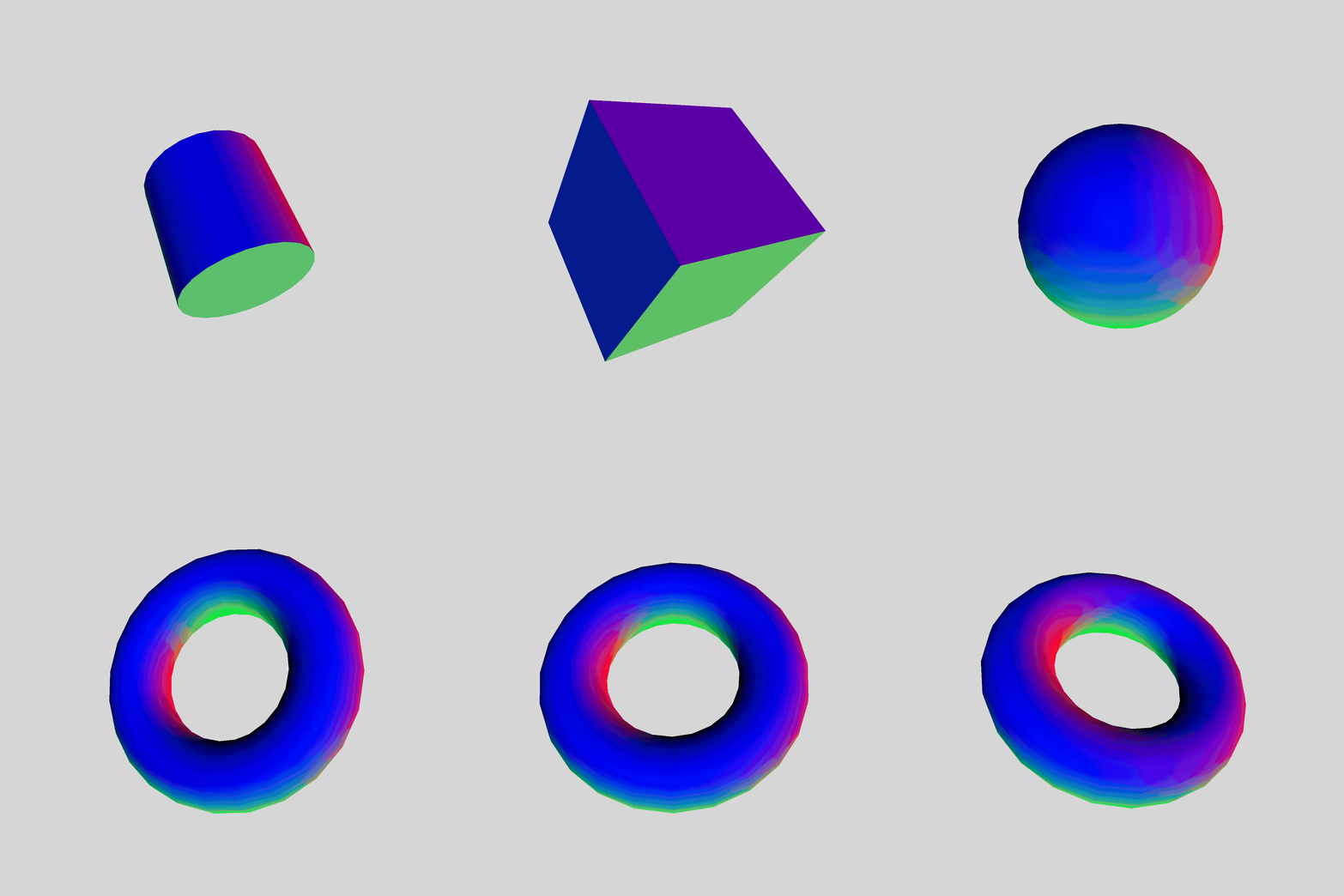
Changing the donut shape to a cone, experimenting with different shapes in the given code. Changing the donut shape to a cone, experimenting with different shapes in the given code. Adding the colour changing background from sketch 6 to sketch 4, and experimenting with the code. Adding the colour changing background from sketch 6 to sketch 4, and experimenting with the code. sketch4 video<a href='https://www.youtube.com/shorts/kY9zDa67mAI' target='_blank'><p>Experimentation video link</p></a> Sound ripples displayed and playing music notes controlled from the Makey Makey. Sound ripples displayed and playing music notes controlled from the Makey Makey. sketch4 video<a href='https://www.youtube.com/shorts/fI1iReaVN9A' target='_blank'><p>Experimentation video link</p></a> Sound ripples displayed and playing music notes controlled from the Makey Makey. Bunny character walking around the house controlled by the Makey Makey and/or the keyboard arrows. Bunny character walking around the house controlled by the Makey Makey and/or the keyboard arrows. Bunny character walking around the house controlled by the Makey Makey and/or the keyboard arrows. Bunny character walking around the house controlled by the Makey Makey and/or the keyboard arrows. <a href='https://youtube.com/shorts/4j2hbjZeQHg?feature=share' target='_blank'><p>Experimentation video link</p></a> Jellyfish character swimming around the ocean controlled by the Makey Makey and/or the keyboard arrows. Jellyfish character swimming around the ocean controlled by the Makey Makey and/or the keyboard arrows. Jellyfish charcater swimming around the ocean controlled by the Makey Makey and/or the keyboard arrows. <a href='https://youtube.com/shorts/jNv2qSgmGrE?feature=share' target='_blank'><p>Experimentation video link</p></a> Jellyfish charcater swimming around the ocean controlled by the Makey Makey and/or the keyboard arrows. <a href='https://youtube.com/shorts/jNv2qSgmGrE?feature=share' target='_blank'><p>Experimentation video link</p></a> Sound ripples shaped as flowers displayed and playing music notes controlled from the Makey Makey. Sound ripples shaped as flowers displayed and playing music notes controlled from the Makey Makey. Sound ripples shaped as flowers displayed and playing music notes controlled from the Makey Makey. <a href='https://youtube.com/shorts/Iuq3SGjk8PU' target='_blank'><p>Experimentation video link</p></a> Sound ripples shaped as flowers displayed and playing music notes controlled from the Makey Makey. put a description here or you will lose grades put a description here or you will lose grades put a description here or you will lose grades put a description here or you will lose grades

Activity 2
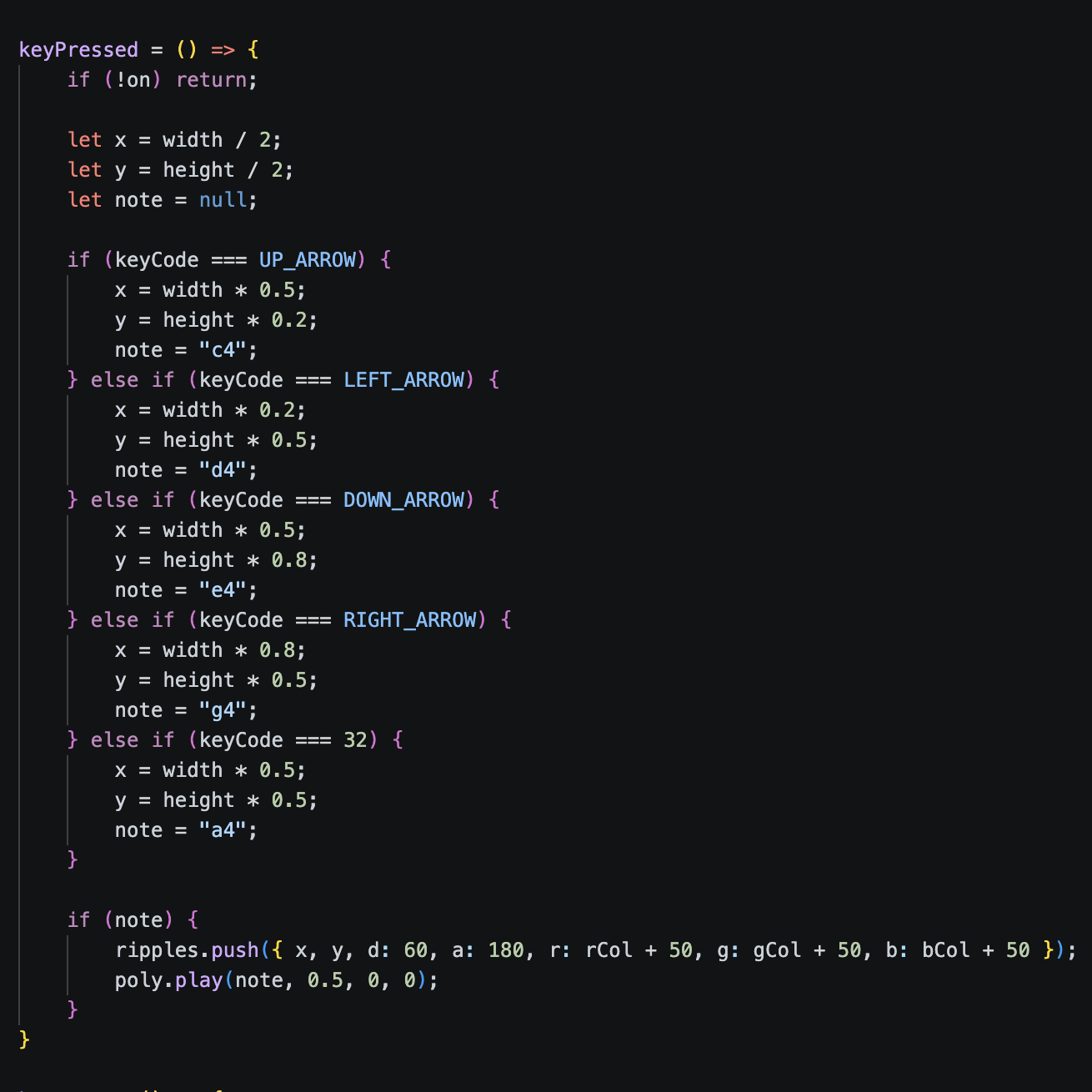
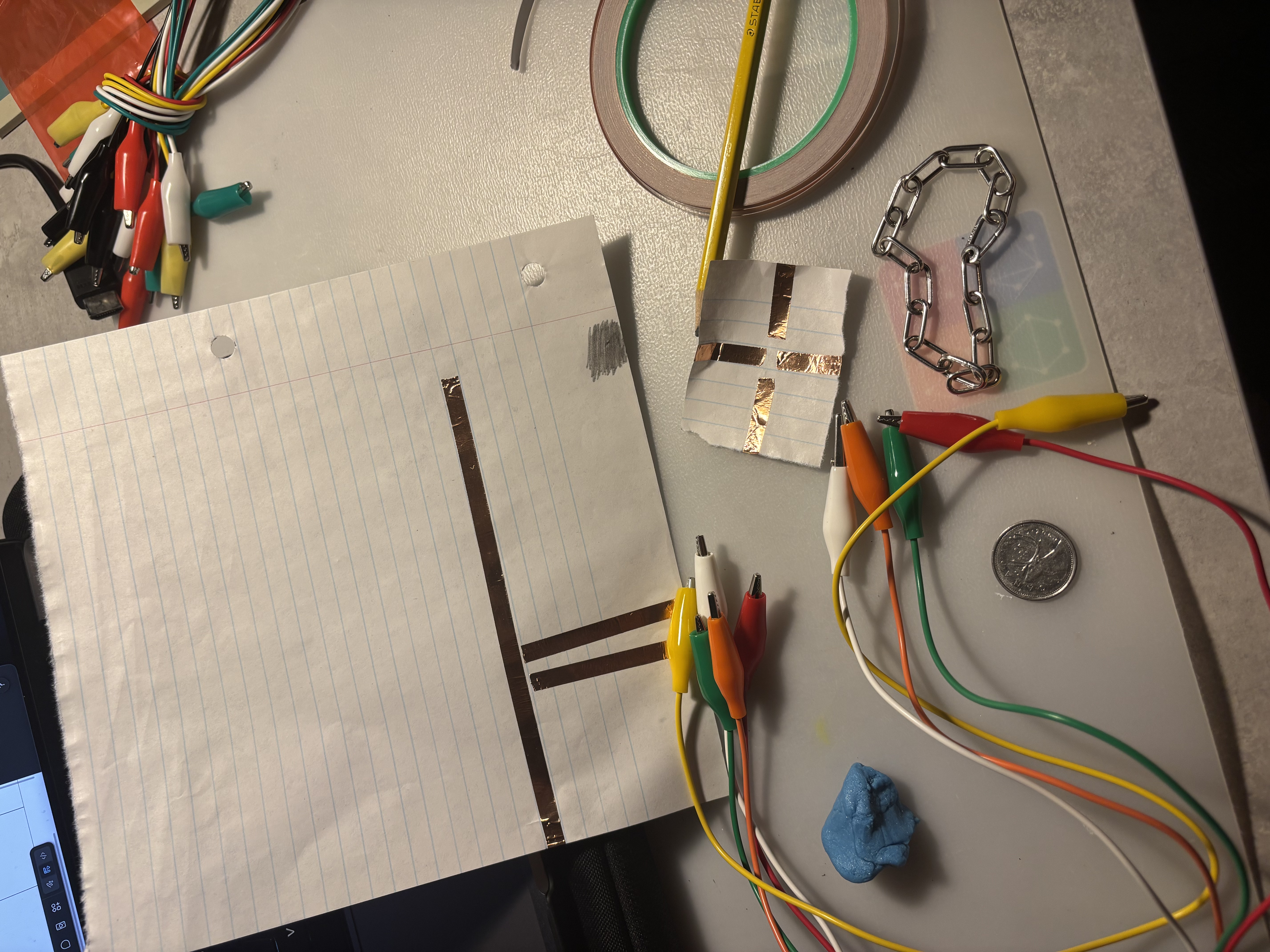
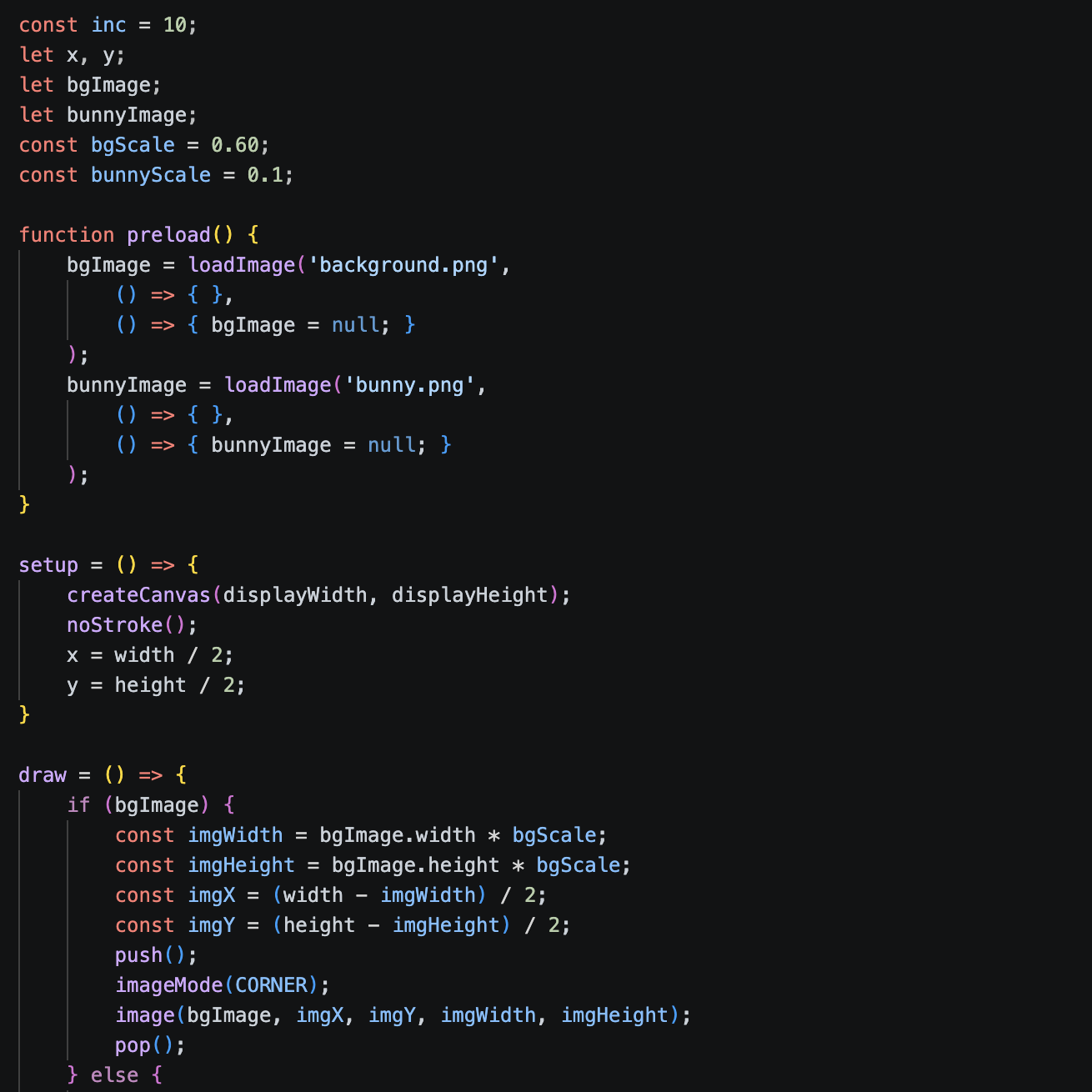
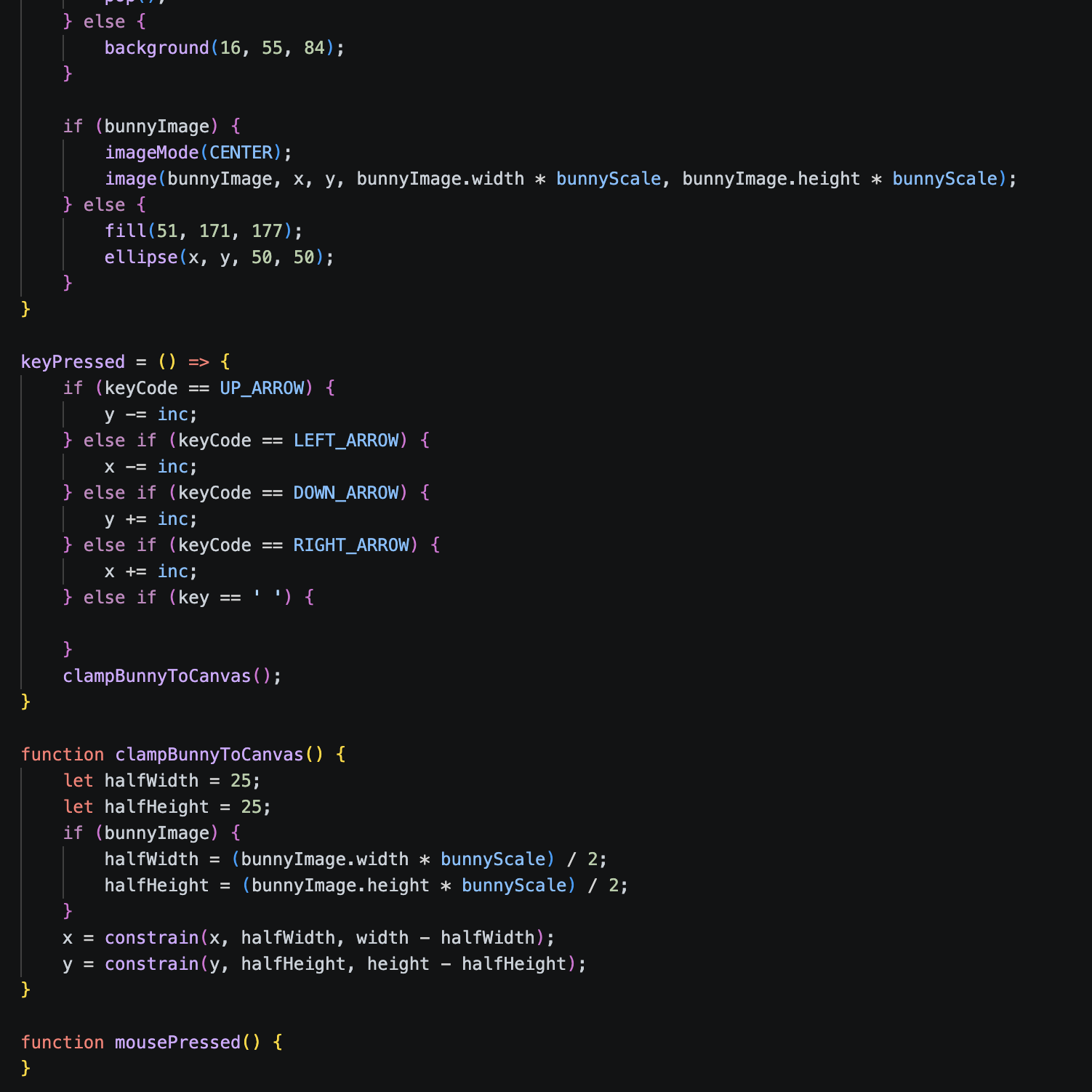
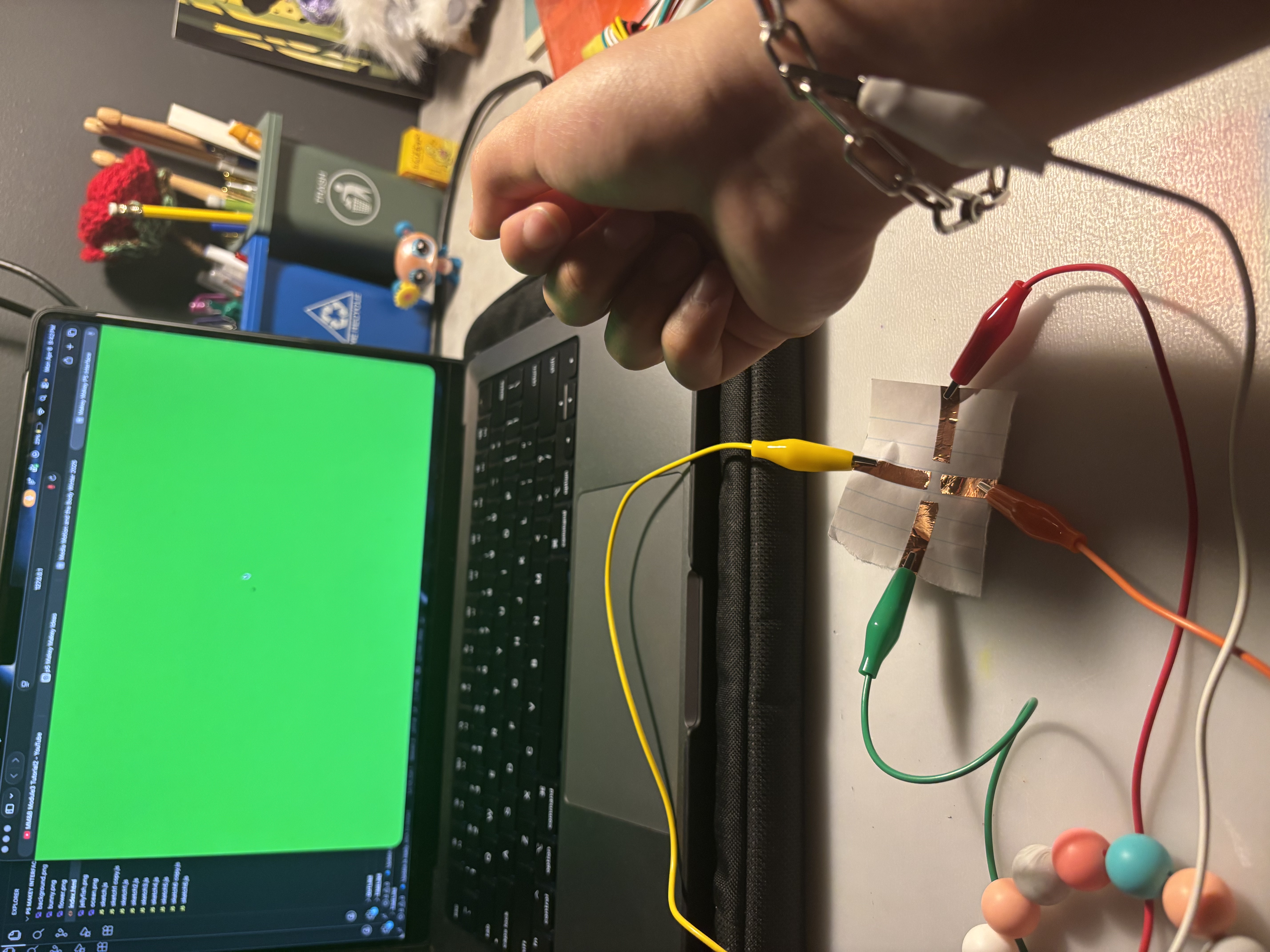
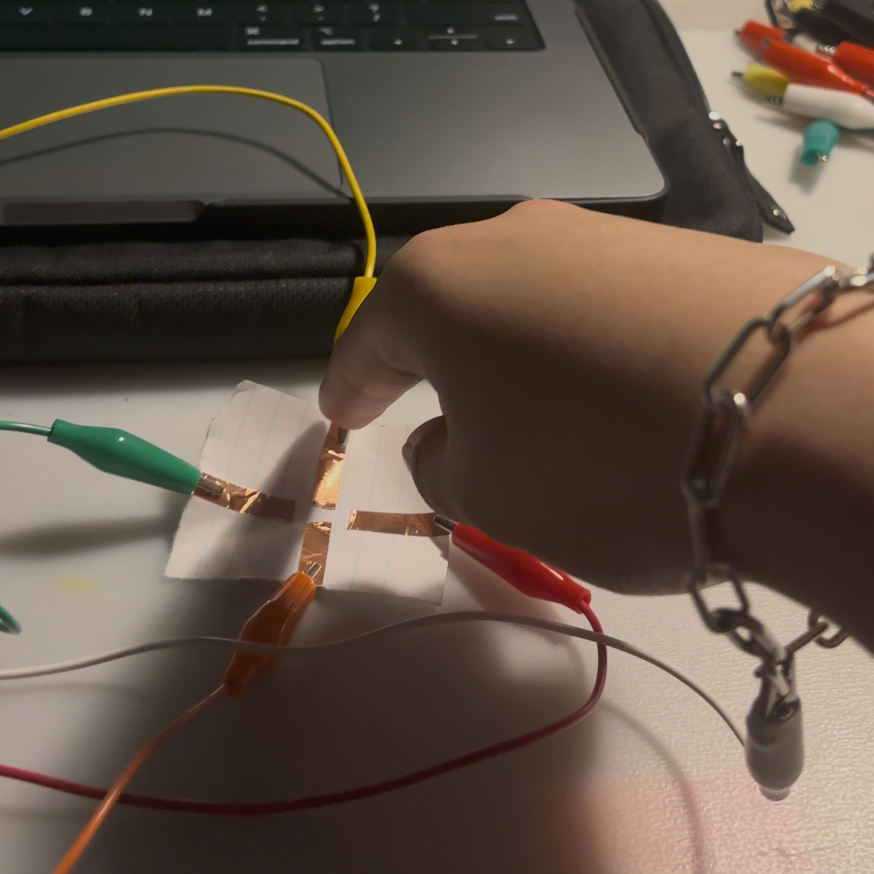
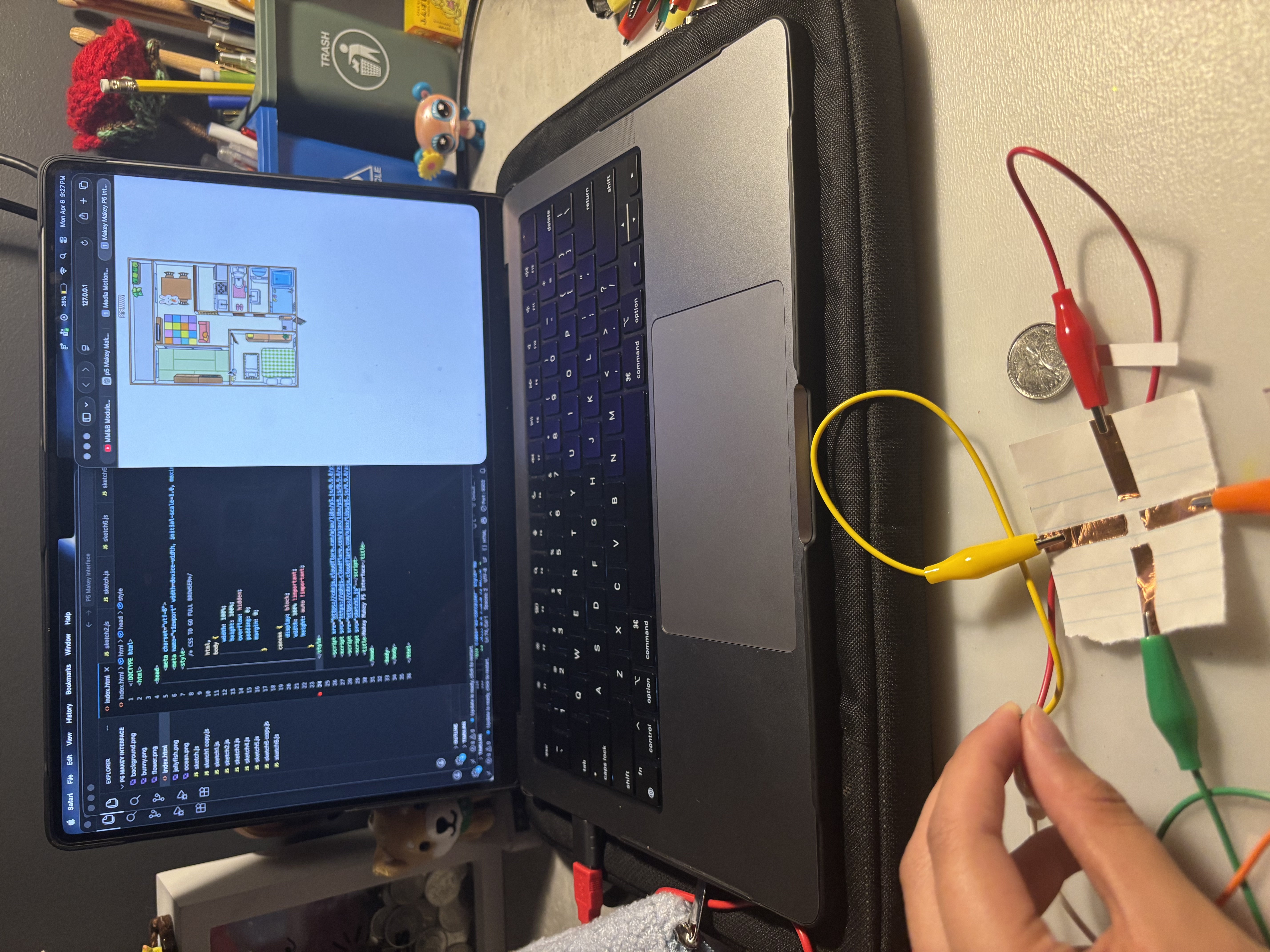
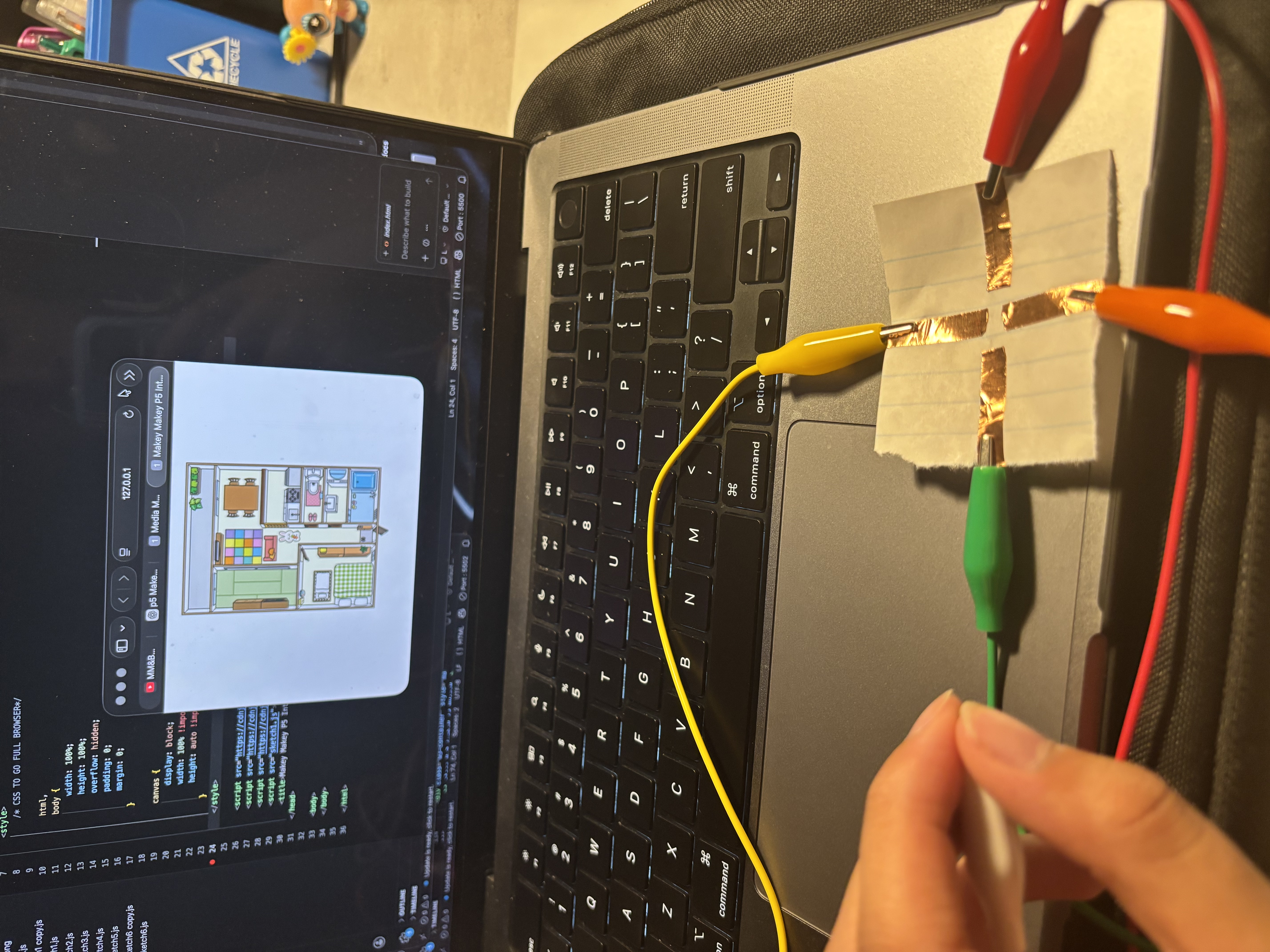
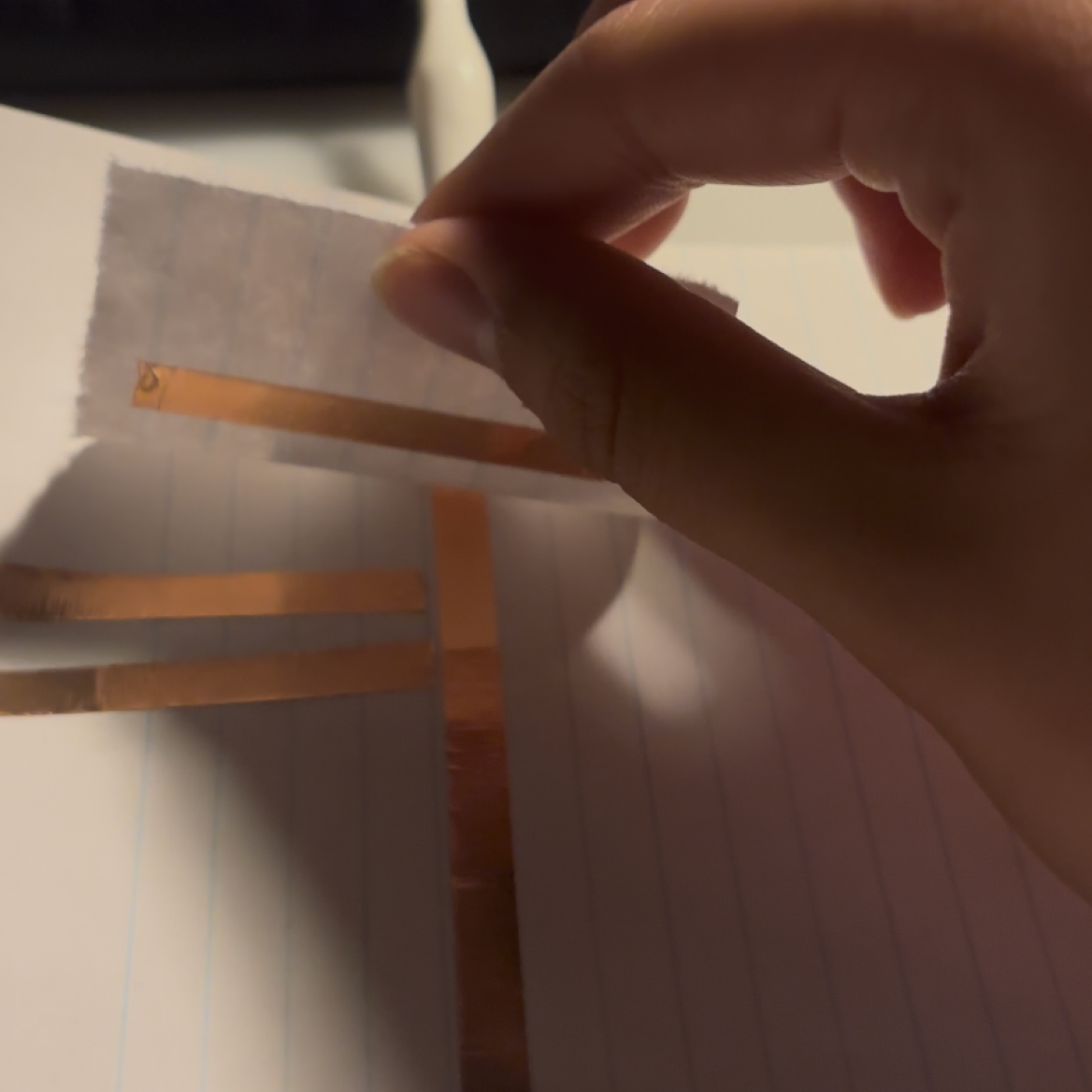
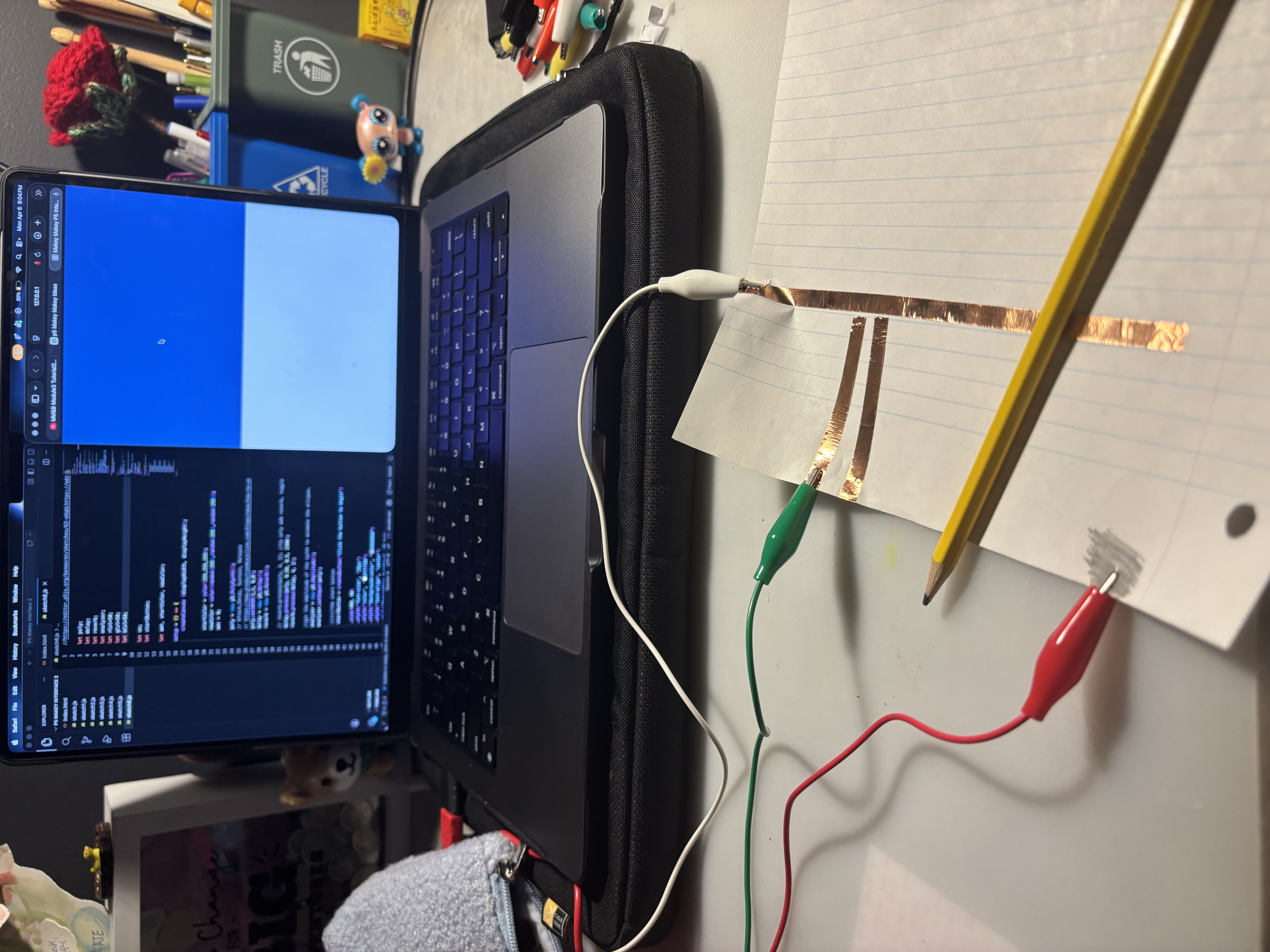
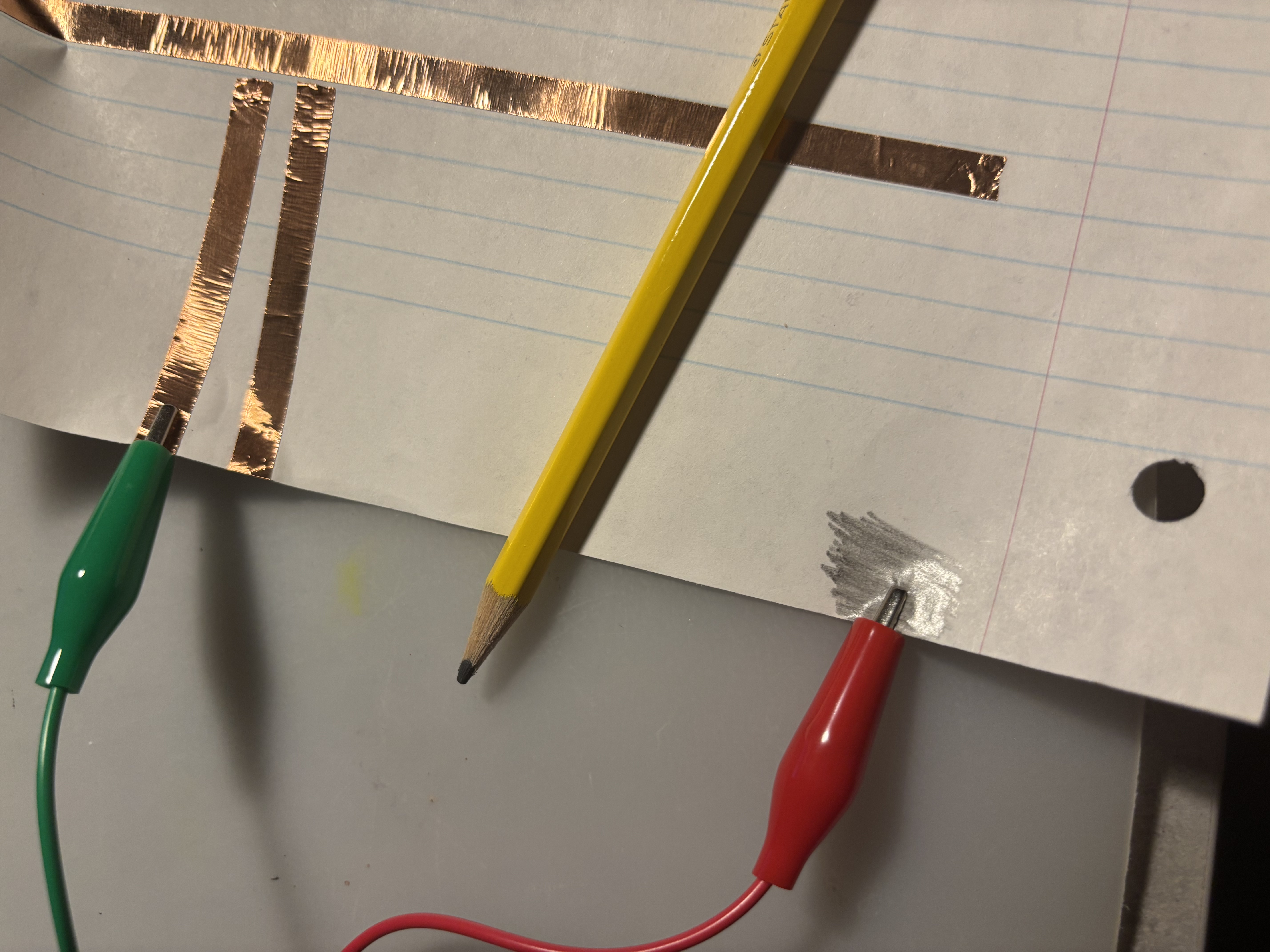
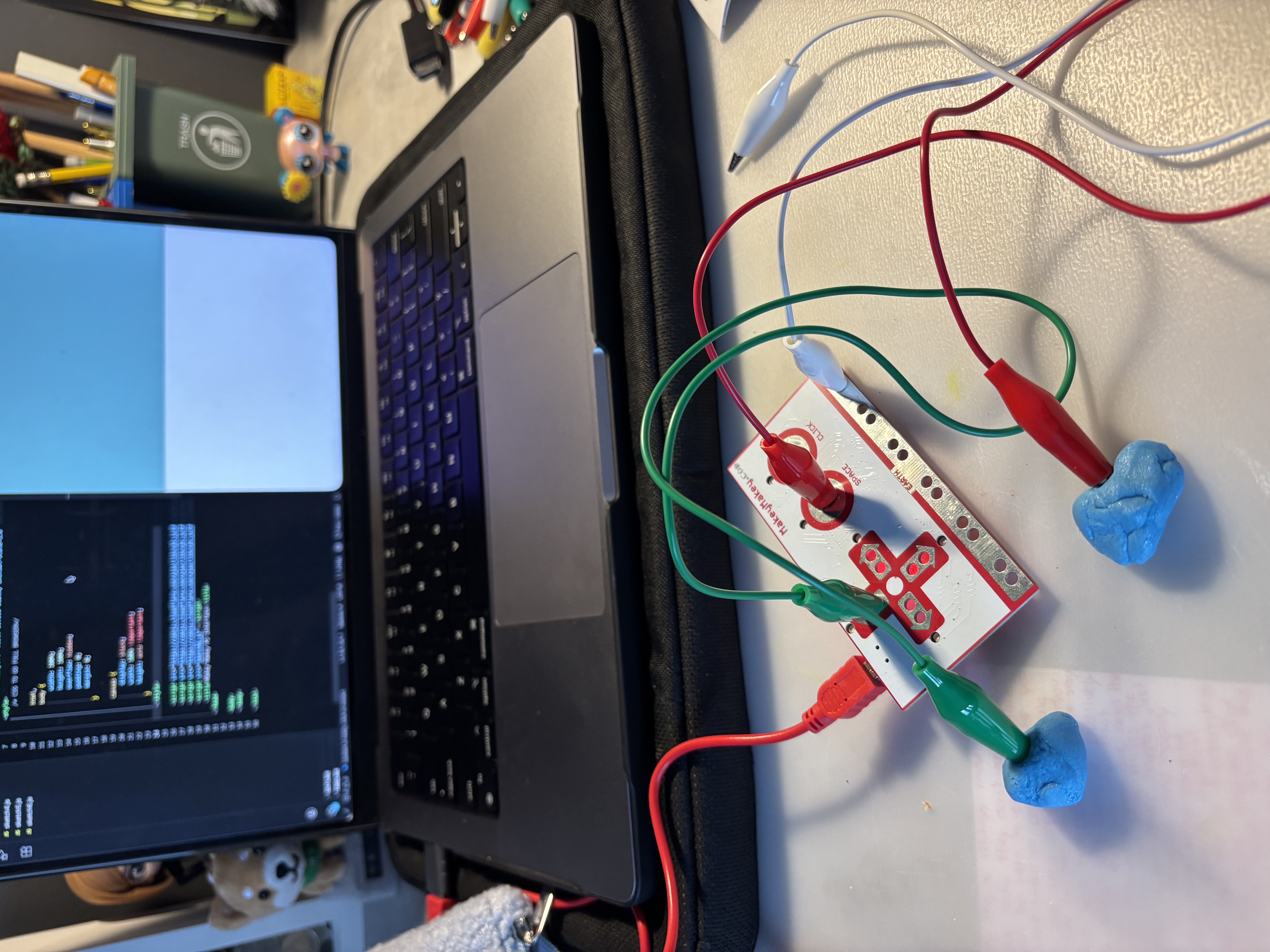
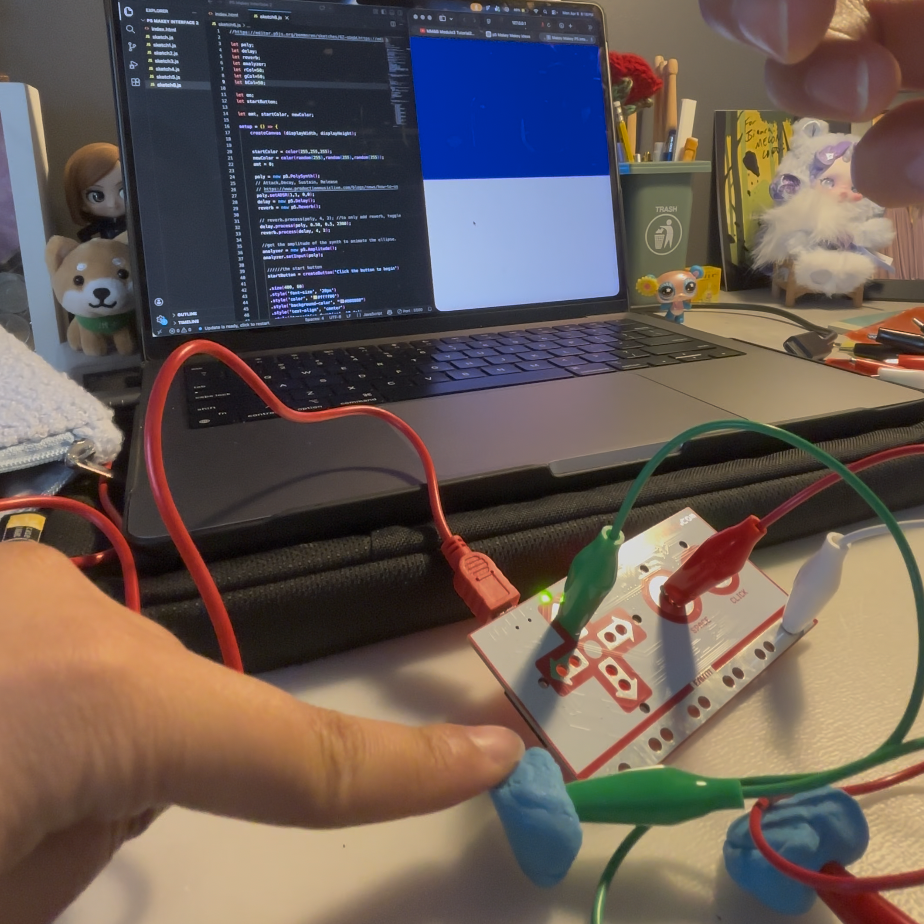
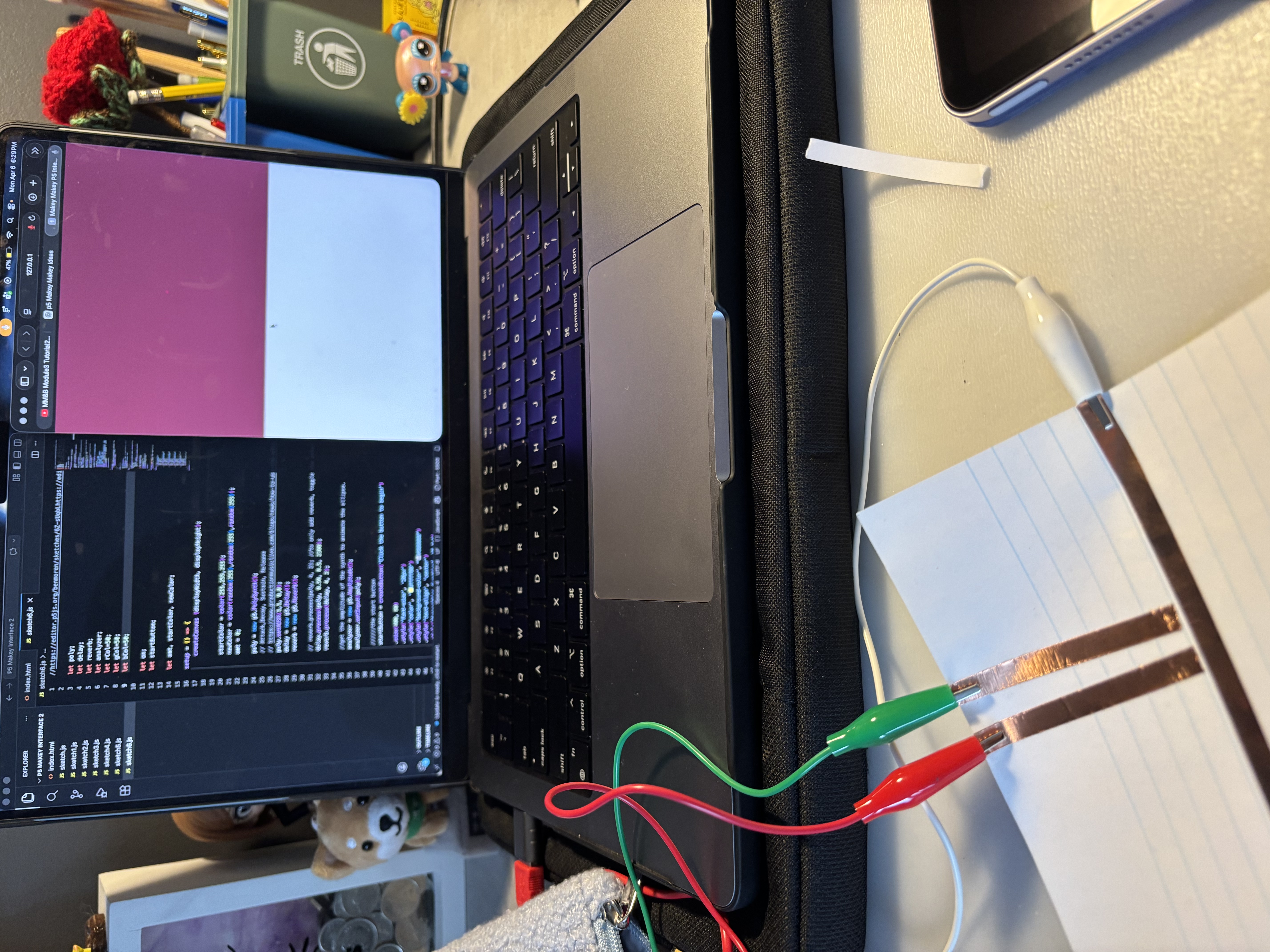
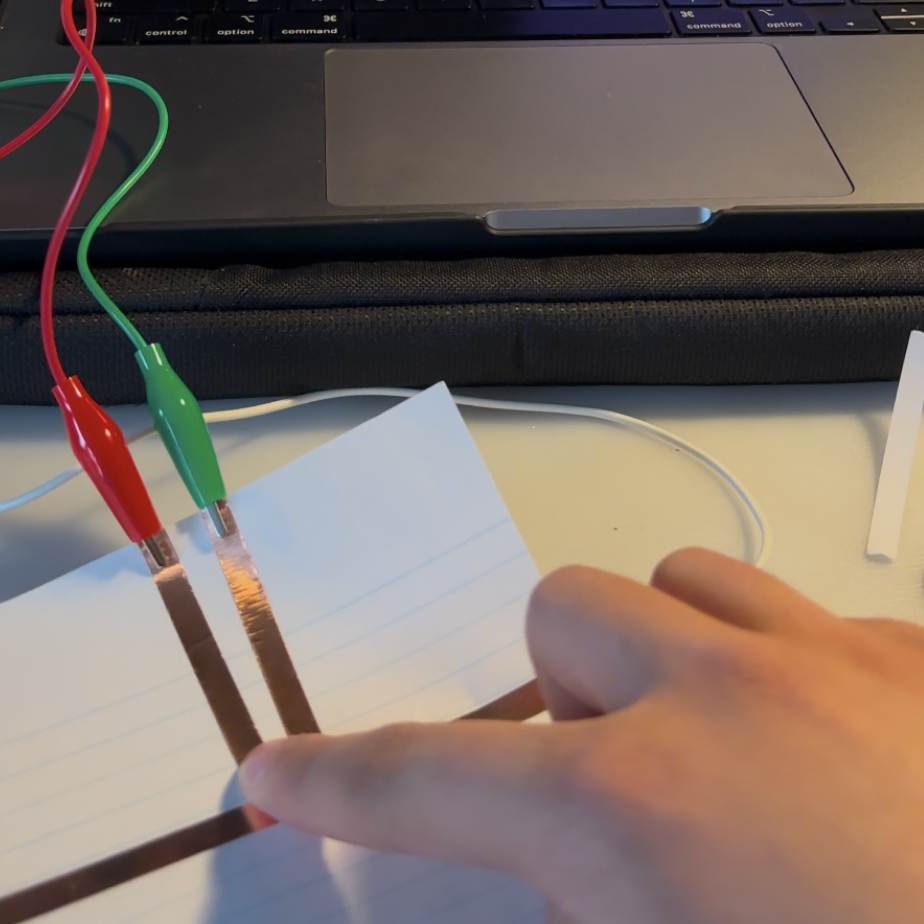
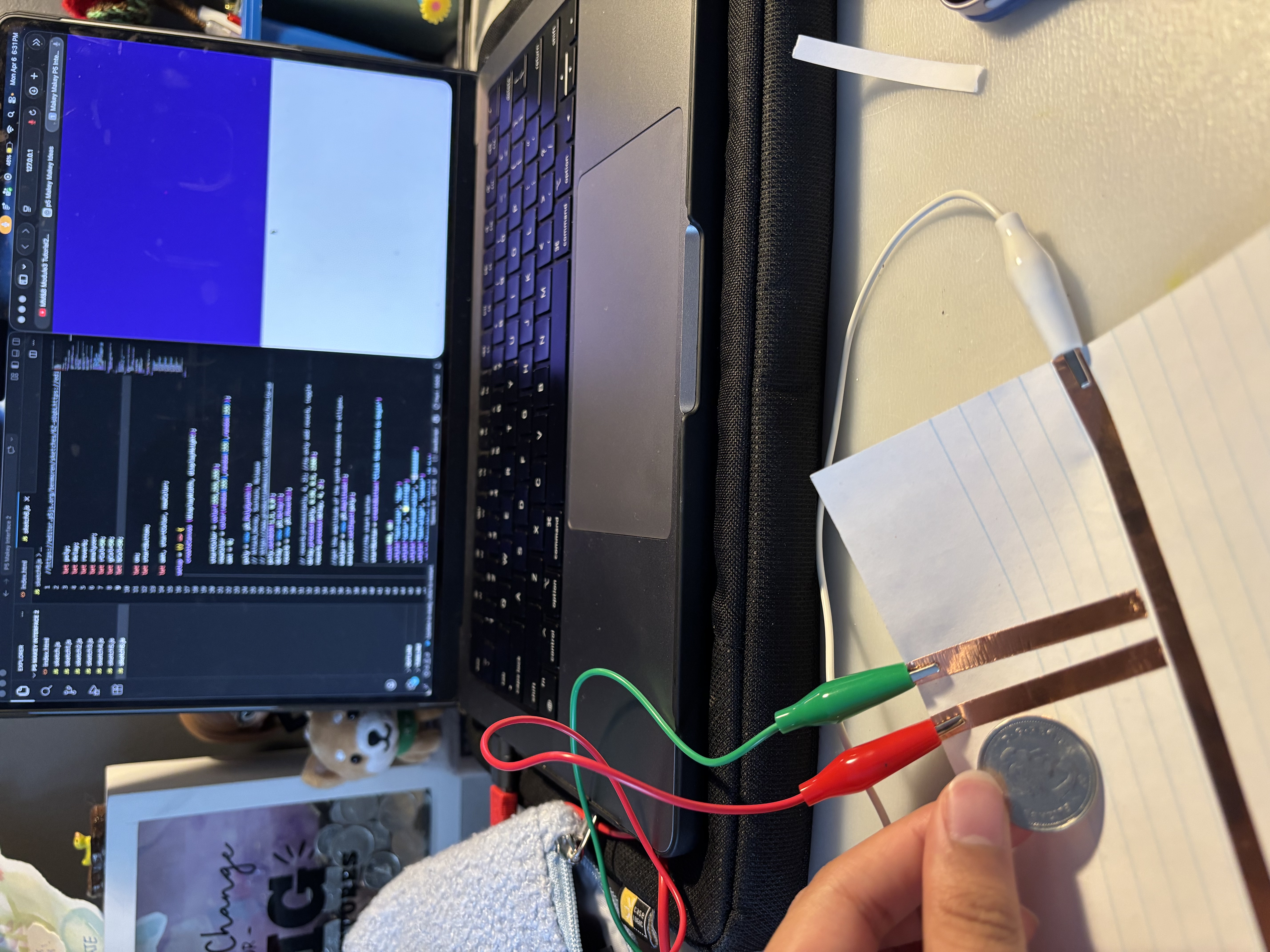
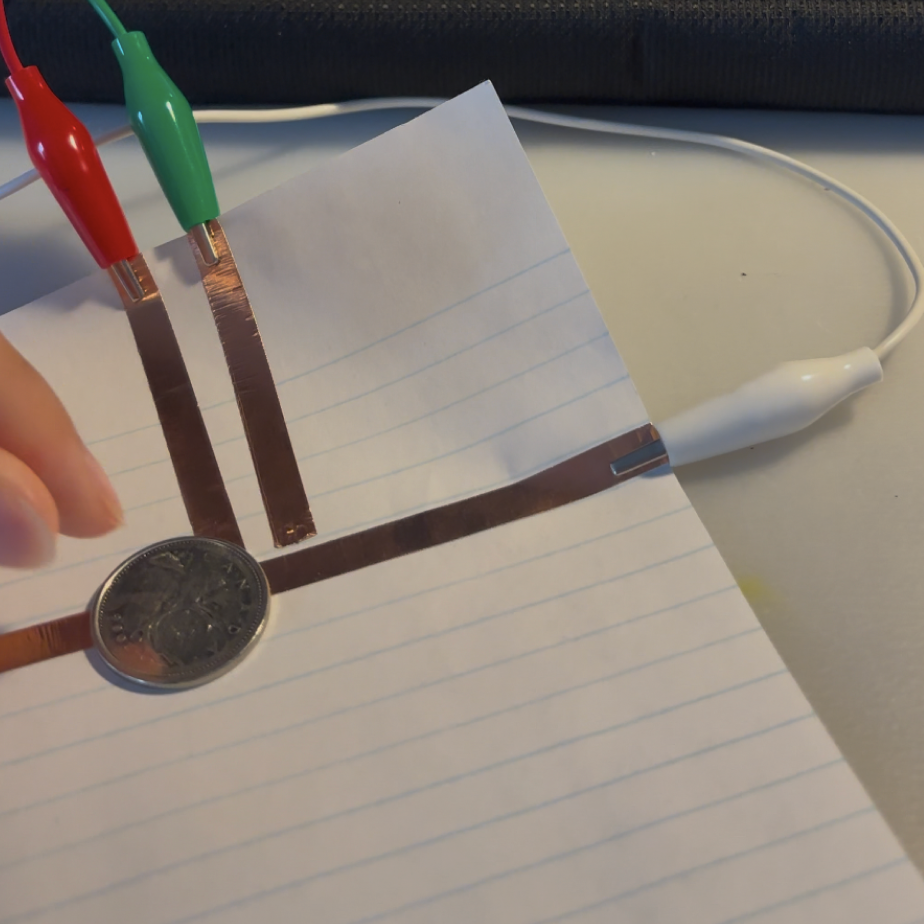
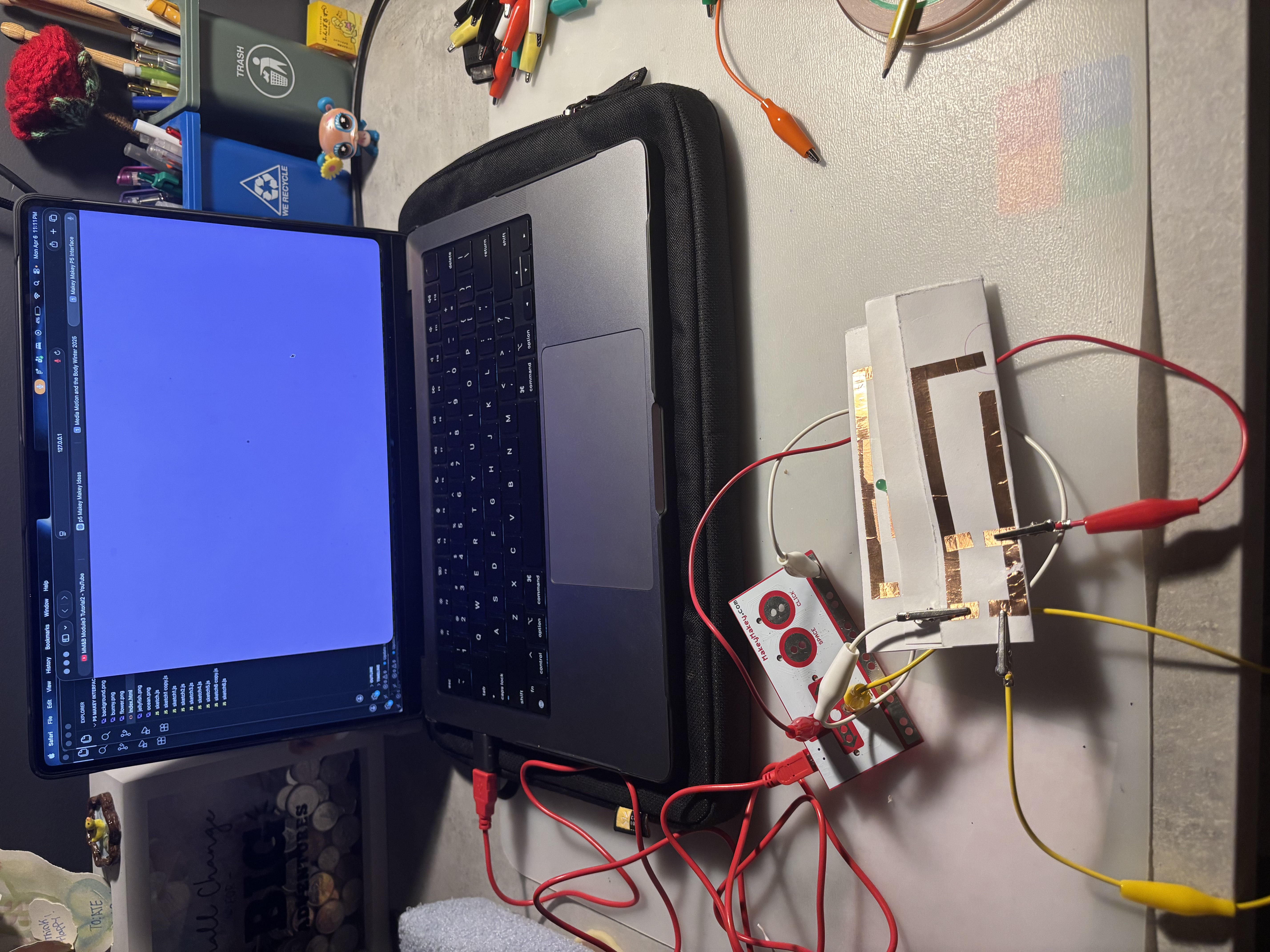
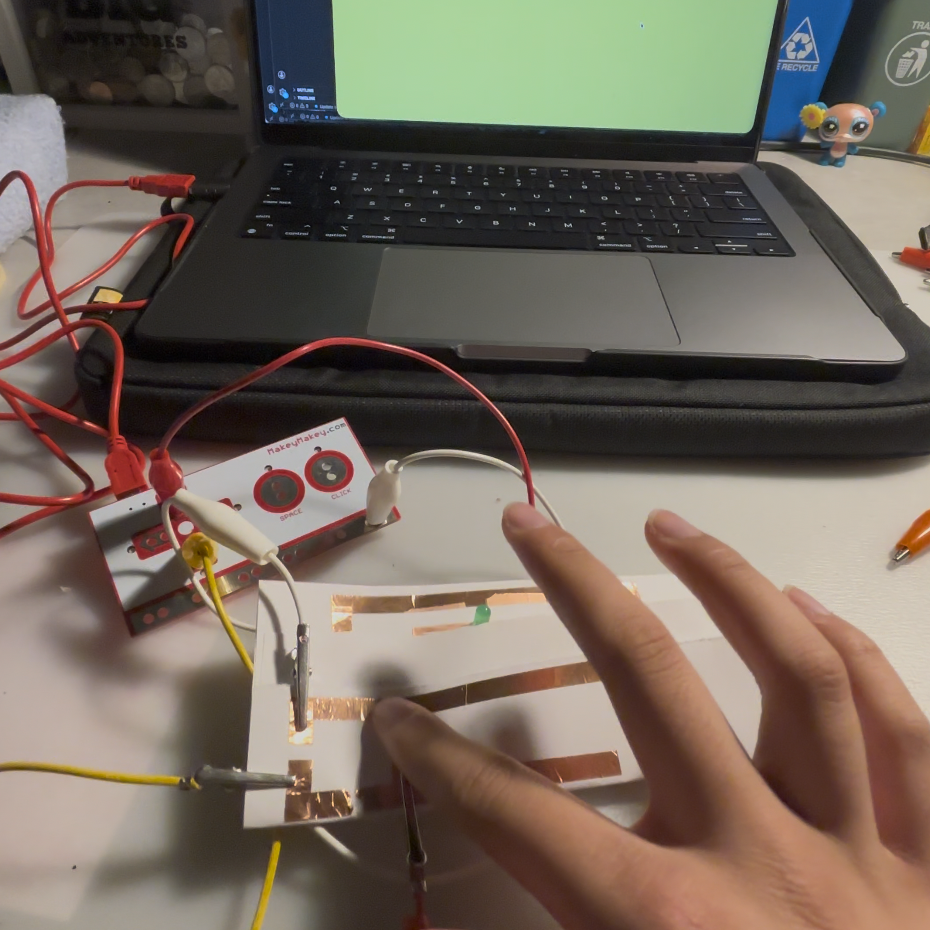
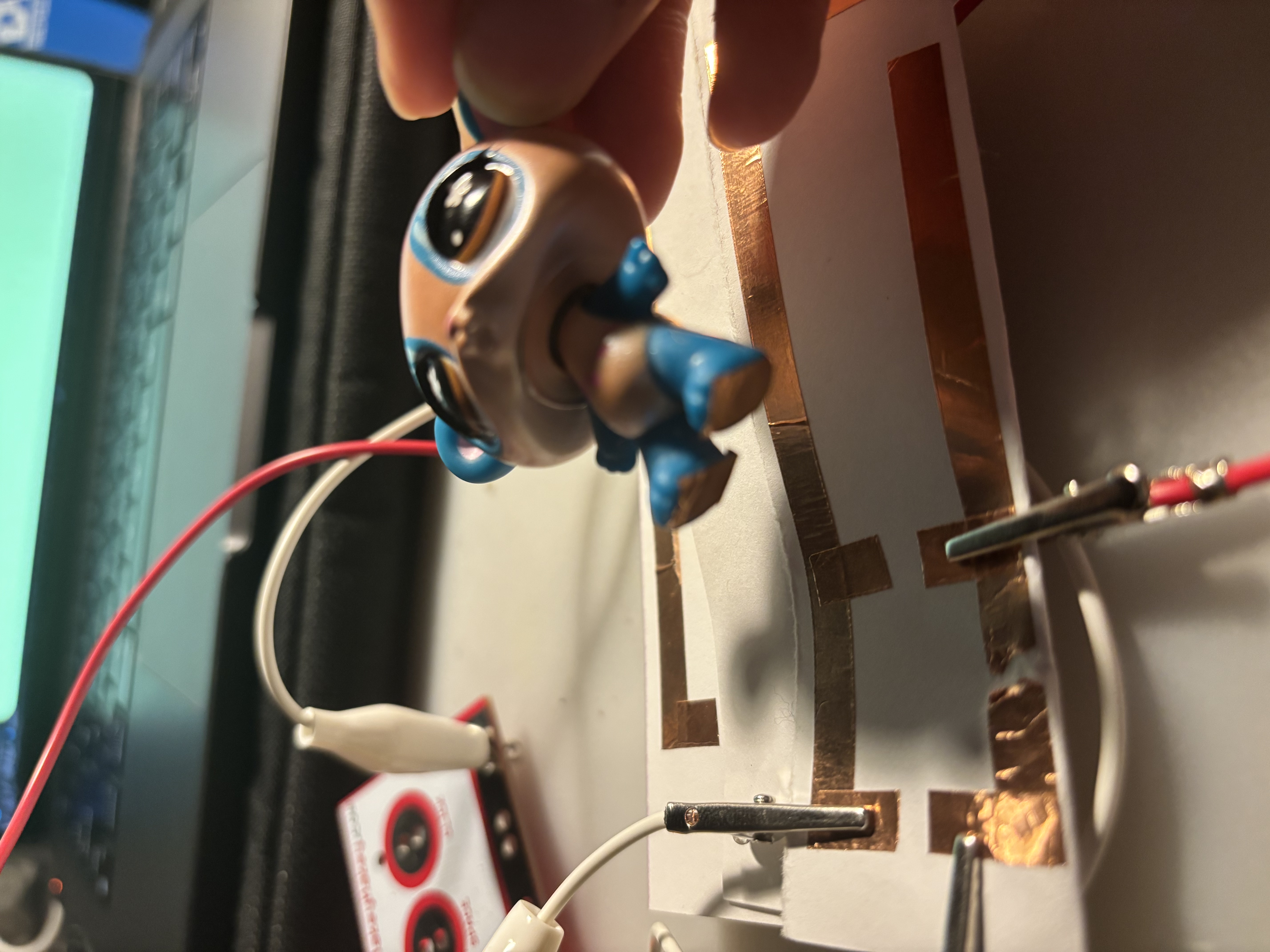
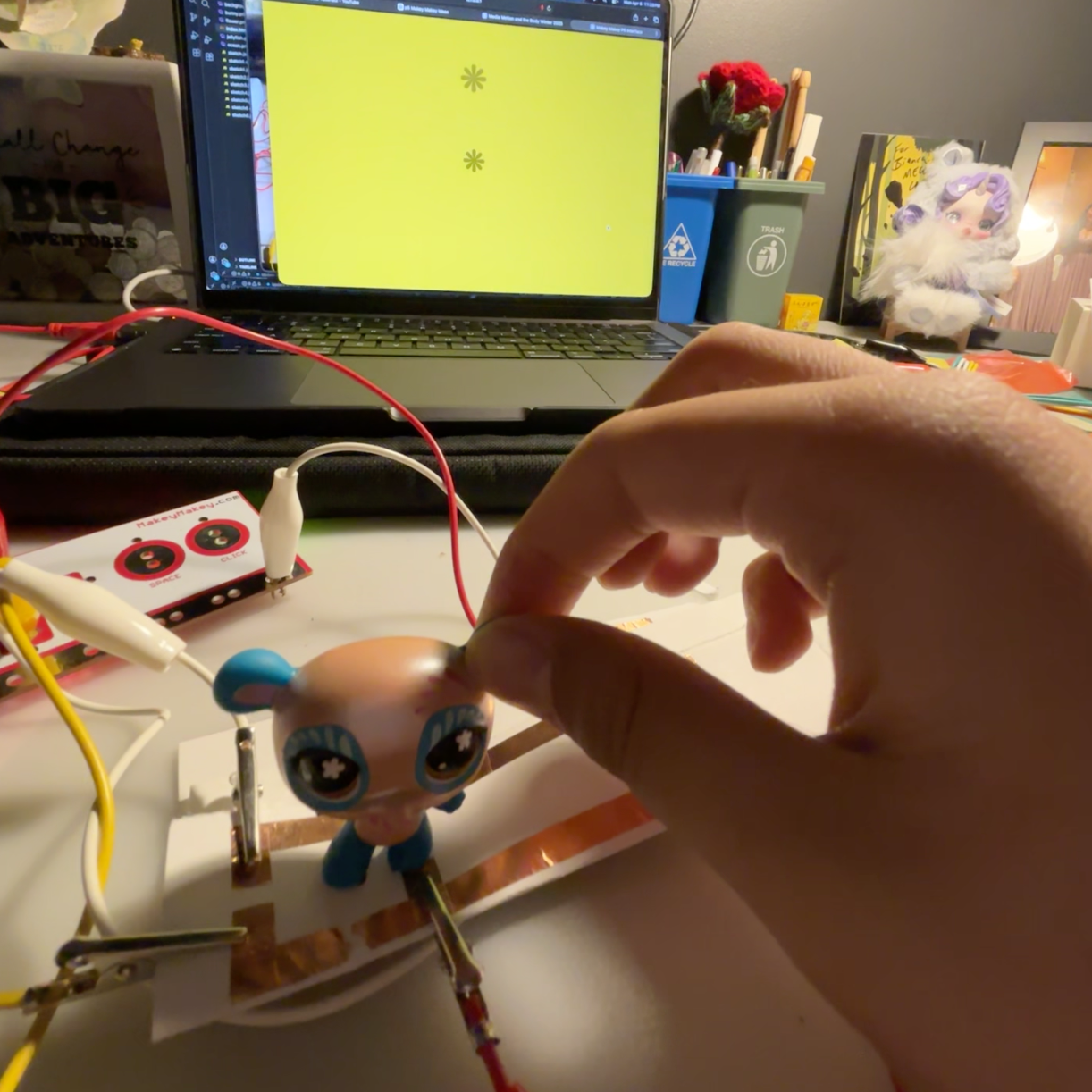
Materials I used for testing the conductivity and making circuits with the Makey Makey. Code used from activity 1 to test the conductivity of different materials with the Makey Makey. Code used from activity 1 to test the conductivity of different materials with the Makey Makey. Code used from activity 1 to test the conductivity of different materials with the Makey Makey. Testing the conductivity of my bracelet with the Makey Makey. Testing the conductivity of my bracelet with the Makey Makey. <a href='https://youtube.com/shorts/P51xbMgjbUg?feature=share' target='_blank'><p>Experimentation video link</p></a> Created a very basic prototype of a controller with up, down, left and right controls attached to the Makey Makey. Created a very basic prototype of a controller with up, down, left and right controls attached to the Makey Makey. <a href='https://youtube.com/shorts/6ealOQAebQ4?feature=share' target='_blank'><p>Experimentation video link</p></a> Created a paper trigger/button for the incompleted circuit attached to the Makey Makey. <a href='https://youtube.com/shorts/XE1EIj2Psvs?feature=share' target='_blank'><p>Experimentation video link</p></a> Testing the conductivity of a pencil with the Makey Makey. Testing the conductivity of a pencil with the Makey Makey. Testing the conductivity of Play-Doh pieces with the Makey Makey as controls. Testing the conductivity of Play-Doh pieces with the Makey Makey as controls. <a href='https://youtube.com/shorts/fmk_pDQ_Utg?feature=share' target='_blank'><p>Experimentation video link</p></a> Basic test of copper tape and using it with the Makey Makey. Reaction on the screen is triggered by me holding down on the incomplete circuit while holding the grounding clip. Basic test of copper tape and using it with the Makey Makey. Reaction on the screen is triggered by me holding down on the incomplete circuit while holding the grounding clip. <a href='https://youtube.com/shorts/fLFrhnIMjmA?feature=share' target='_blank'><p>Experimentation video link</p></a> Same idea with closing the incomplete circuit but with a coin instead of my finger. Same idea with closing the incomplete circuit but with a coin instead of my finger. <a href='https://youtube.com/shorts/jiP7Bn-D6zM?feature=share' target='_blank'><p>Experimentation video link</p></a> Reusing an old circuit pattern from module 1 with the Makey Makey. Reusing an old circuit pattern from module 1 with the Makey Makey. <a href='https://youtube.com/shorts/6YgTXjTPJnE?feature=share' target='_blank'><p>Experimentation video link</p></a> Attaching copper tape to the bottom of a toy character to make it responsive to the old circuit attached to the Makey Makey. Attaching copper tape to the bottom of a toy character to make it responsive to the old circuit attached to the Makey Makey. <a href='https://youtube.com/shorts/u9t0B3AX9JY?feature=share' target='_blank'><p>Experimentation video link</p></a> put a description here or you will lose grades put a description here or you will lose grades put a description here or you will lose grades put a description here or you will lose grades

Project 3


Final Project 3 Design

Vinyl record display presenting four different music genres; pop, rock, jazz, and country. Each vinyl record is attached to a circuit with the Makey Makey, and when the user puts the CD in the cover and it touches the record, a music video of a song from that genre will play on the screen when the 'play' button is pressed.
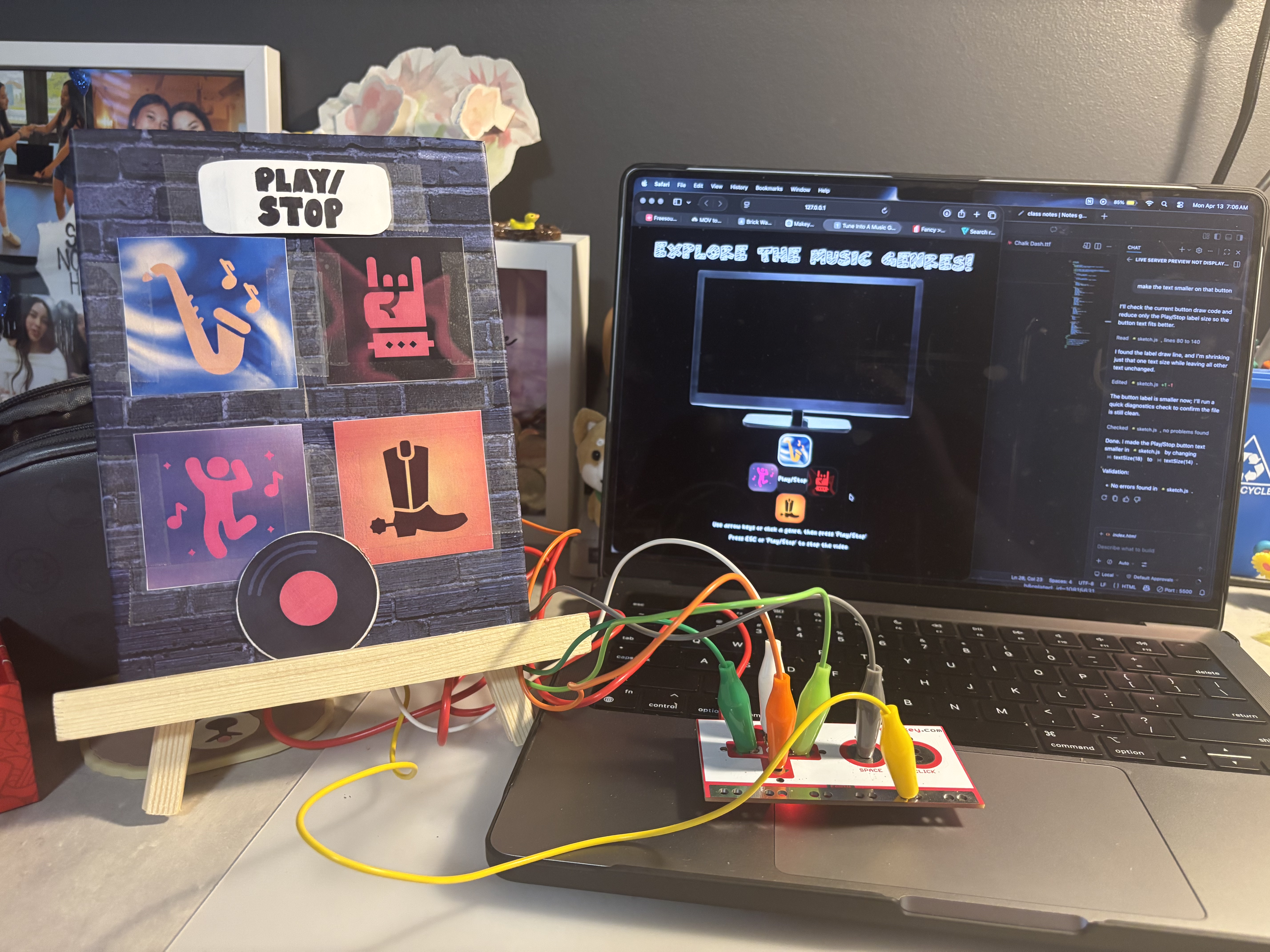
<a href='https://vintab.phoenix.sheridanc.on.ca/MusicGenreBoard.js/' target='_blank'><p>Click here to try out the working digital interaction!</p></a>
×

Powered by w3.css